Have your thermal binoculars stopped working just when you needed them most? Don’t worry—you can fix them yourself.
Knowing how to repair your thermal binoculars not only saves you money but also gets you back to exploring without long waits or expensive repairs. In this guide, you’ll discover simple steps and insider tips to troubleshoot common problems quickly.
Ready to bring your thermal binoculars back to life? Let’s dive in and make sure your next adventure is crystal clear.
Credit: gtguardhunt.com
Common Issues With Thermal Binoculars
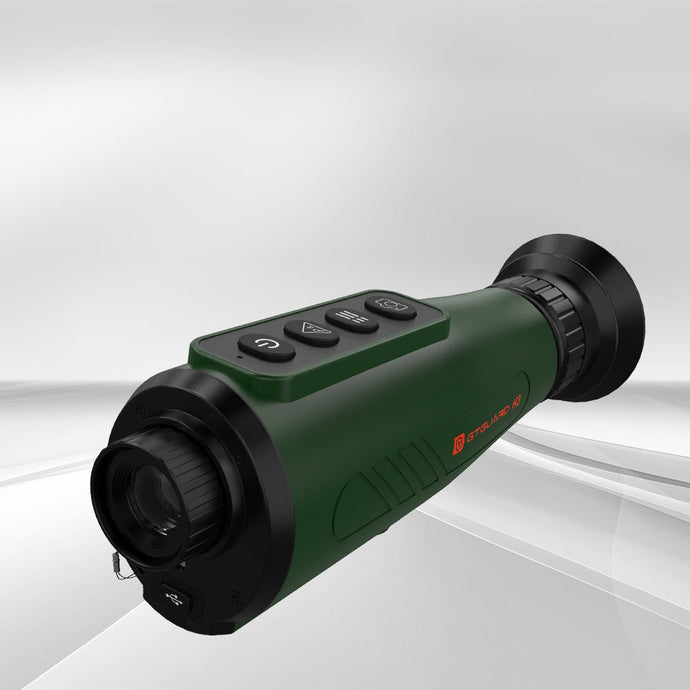
Battery problemsoften cause thermal binoculars to stop working. Weak or dead batteries need replacement. Check battery contacts for dirt or corrosion. Clean contacts gently with a dry cloth. Always use the correct battery type for your device.
Lens fogginghappens when moisture builds up inside the binoculars. This can blur your view. To fix, keep the binoculars in a dry place. Use silica gel packs to absorb moisture. Avoid sudden temperature changes that cause fogging.
Software glitchesmay cause freezing or incorrect images. Restarting the binoculars can clear minor errors. Check for firmware updates from the manufacturer. Follow instructions carefully when updating software. If problems persist, contact customer support.
Tools For Repair
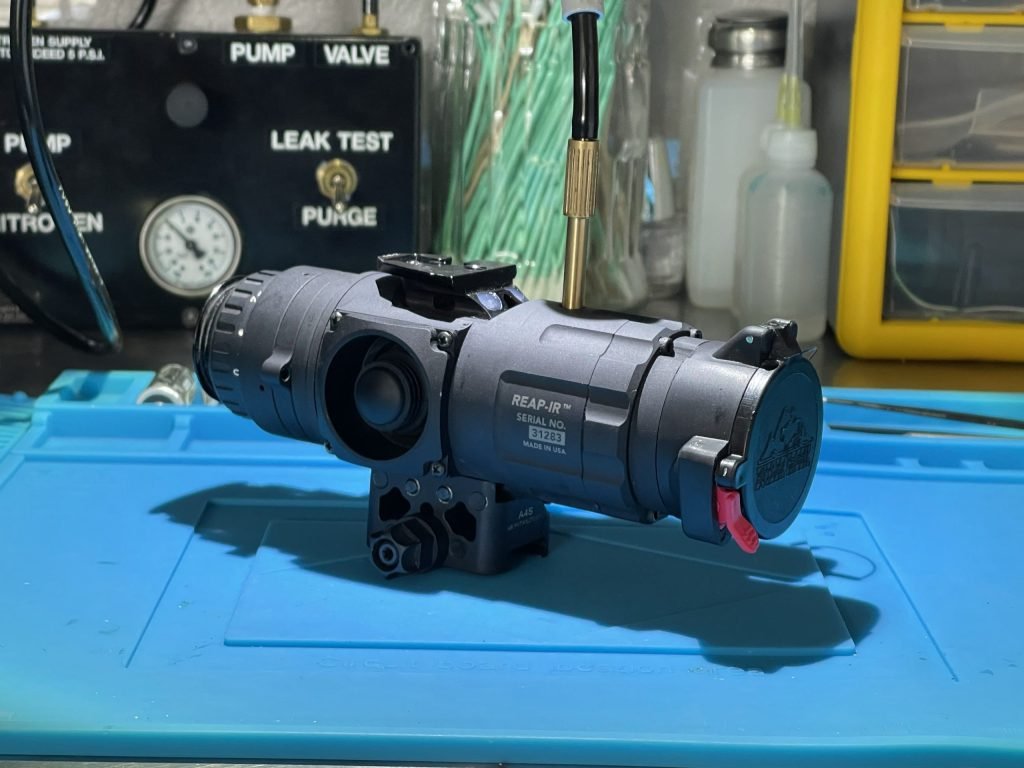
Essential tools for repairing thermal binoculars include small screwdrivers, cleaning cloths, and replacement batteries. A soft brush helps remove dust without damaging delicate parts. Using the right tools ensures safe and effective repairs.
Essential Equipment
Basic tools are important for fixing thermal binoculars. You will need:
- Small screwdriversto open screws without damage.
- Tweezersfor handling tiny parts carefully.
- Cleaning clothto keep lenses and parts clear.
- Multimeterto check electrical connections.
- Soldering ironfor fixing loose wires.
These tools help make the repair process smooth and safe.
Safety Gear
Wear safety gear to protect yourself during repairs:
- Safety glassesto protect eyes from small parts.
- Anti-static wrist strapto prevent damage from static electricity.
- Glovesto keep hands clean and avoid fingerprints.
Using safety gear keeps both you and the binoculars safe.
Battery Troubleshooting
Check the battery connections inside the binoculars first. Dirt or rust can stop the power flow. Clean the contacts gently with a dry cloth or a cotton swab. Make sure the batteries fit tightly in their slots. Loose connections may cause the binoculars to turn off suddenly.
Old batteries lose power over time. Replace them with fresh ones of the same type. Use only recommended batteries to avoid damage. Remove old batteries carefully to prevent leaks or corrosion. Insert new batteries following the correct polarity (+ and – signs).
Credit: www.rixoptics.com
Lens Cleaning Techniques
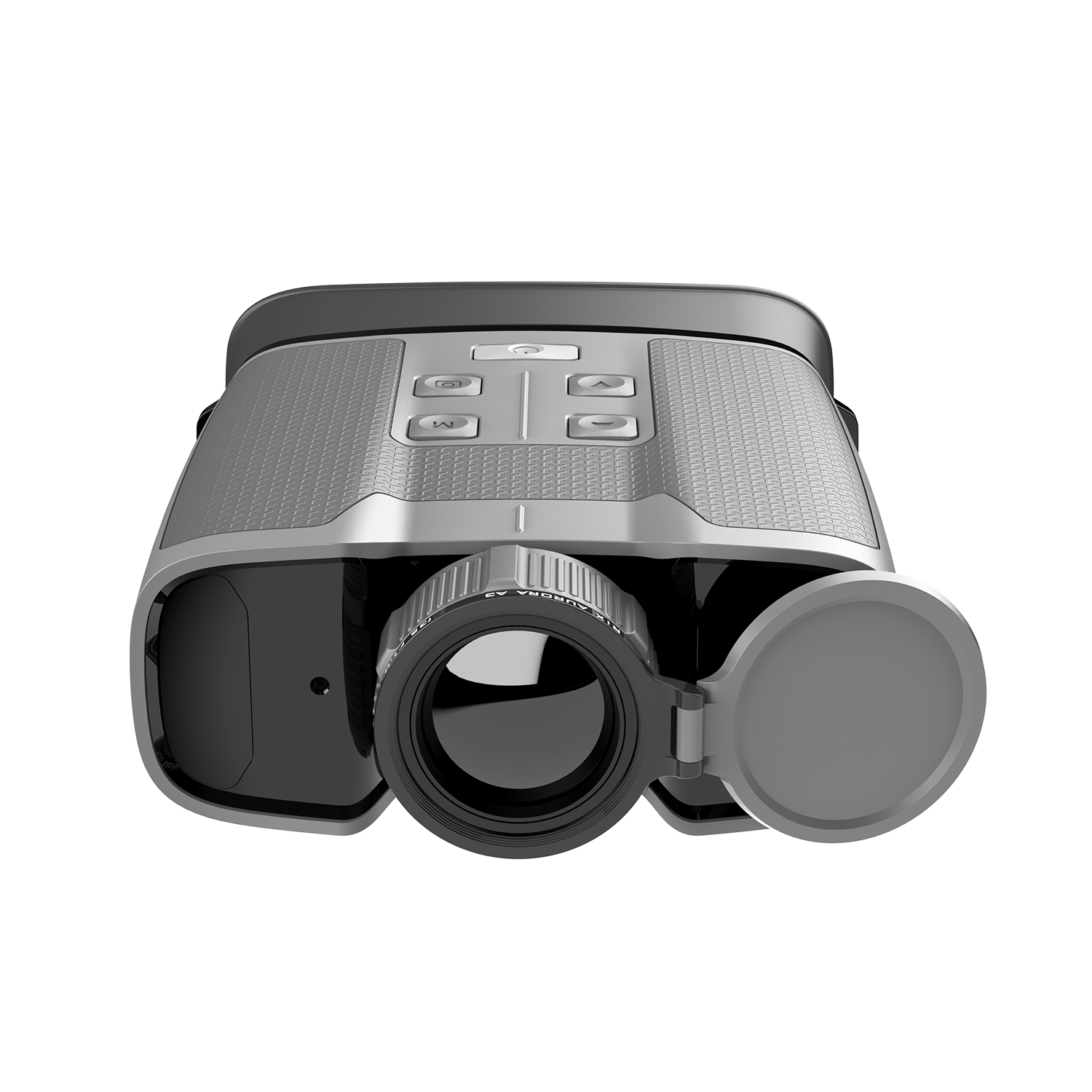
Using anti-fog solutionshelps keep lenses clear during use. Apply a small drop on the lens surface. Gently spread it with a soft, clean cloth. Let it dry naturally. Avoid touching the lens after applying the solution. This prevents oils from your fingers from causing smudges.
Proper cleaning methods start with a blower brush to remove dust. Never use rough cloths or paper towels, as they can scratch lenses. Use a microfiber clothfor wiping. Apply gentle pressure and clean in circular motions. Avoid spraying liquid directly on lenses. Instead, dampen the cloth slightly with water or lens cleaner. Store binoculars in a dry, clean case to protect lenses from dirt and moisture.
Fixing Software Issues
Thermal binoculars sometimes need a firmware updateto fix bugs and improve performance. Check the manufacturer’s website for the latest firmware version. Download it and follow the instructions to install it on your device.
Resetting the device can clear errors and restore default settings. This often fixes software glitches. Usually, you can reset by pressing a specific button or through the device menu. Be sure to back up any important data before resetting.
Preventive Maintenance Tips
Regular inspectionshelp spot problems early. Check lenses for scratches or dirt. Clean them gently with a soft cloth. Look for loose screws or damaged parts. Test the device’s power and image quality often. Catching issues soon can save costly repairs later.
Proper storage practicesprotect your thermal binoculars. Keep them in a dry, cool place. Avoid places with high heat or moisture. Use the case that came with the binocularsto guard against dust and drops. Store them away from direct sunlight and strong magnets.

Credit: www.facebook.com
Frequently Asked Questions
How Do I Fix Blurry Images On Thermal Binoculars?
Blurry images often result from lens dirt or incorrect focus. Clean lenses gently with a microfiber cloth. Adjust the focus knob slowly until the image sharpens clearly for optimal viewing.
Why Is My Thermal Binocular Screen Not Turning On?
Check the battery level and replace if low or dead. Ensure the power button is pressed correctly. If still off, inspect internal connections or consult a professional technician.
Can I Repair A Cracked Lens On Thermal Binoculars?
Minor lens scratches might be polished, but cracks usually require lens replacement. Contact the manufacturer or a certified repair service for proper lens repair or replacement to maintain performance.
How Often Should I Service My Thermal Binoculars?
Regular servicing every 1-2 years helps maintain functionality. Clean lenses, check battery health, and inspect internal components. Professional servicing ensures long-term reliability and accurate thermal imaging.
Conclusion
Repairing thermal binoculars can save money and extend their life. Start with simple checks before moving to complex fixes. Use the right tools and follow safety steps carefully. Keep your device clean and store it properly to avoid damage. Regular care helps maintain clear images and reliable performance.
With patience and attention, most common issues can be solved at home. Stay calm, take your time, and enjoy better views with your repaired binoculars.