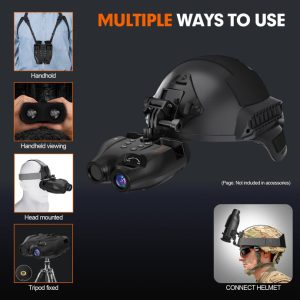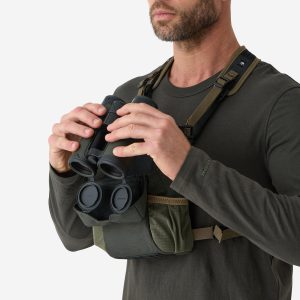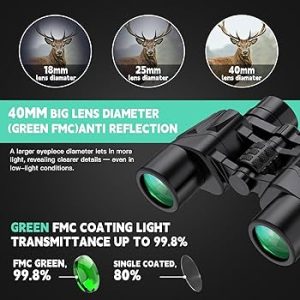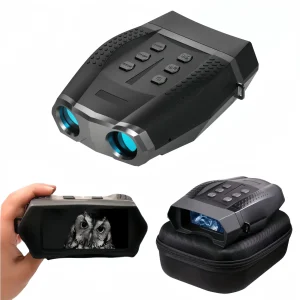
Are you struggling to see clear images through your thermal binoculars? Adjusting the contrast and brightness can make a huge difference in how well you spot details in any environment.
Whether you’re out in the wild or on a night patrol, getting these settings right helps you see more clearly and react faster. In this guide, you’ll learn simple, step-by-step tips to fine-tune your thermal binoculars for the sharpest, most vivid view possible.
Keep reading, and you’ll master these adjustments in no time.
Basics Of Thermal Binoculars
Thermal binoculars use heat to see things. They detect infrared light. This light is invisible to our eyes. Hot objects show bright in thermal images. Cold objects appear darker. These binoculars are great for night vision. They help see in complete darkness. They can also see through smoke and fog.
How Thermal Imaging Works
Special sensors detect heat. These sensors create images from temperature differences. Warm objects stand out. Cool objects fade into the background. The sensors convert heat into visible pictures. This helps us see everything clearly. Even when it’s dark or foggy.
Key Features Affecting Image Quality
- Resolution:Higher resolution shows more detail.
- Sensitivity:Better sensitivity detects smaller temperature differences.
- Refresh Rate:Faster rates provide smoother images.
- Lens Quality:Good lenses enhance clarity and focus.
Importance Of Contrast And Brightness
Contrastand brightnessare key to clear images on thermal binoculars. Good contrast helps you see edges and shapes easily. Brightness adjusts how light or dark the image appears. Together, they make details visible.
In dark or foggy places, adjusting brightness can show hidden objects. High contrast helps spot warm animals or people against cold backgrounds. Different settings work better in different weather and light conditions.
- In bright sunlight, lower brightness to avoid glare.
- In low light, increase brightness to see more details.
- Use higher contrast to separate objects from the background.
- Lower contrast for smoother, less sharp images in some cases.
Locating Control Settings
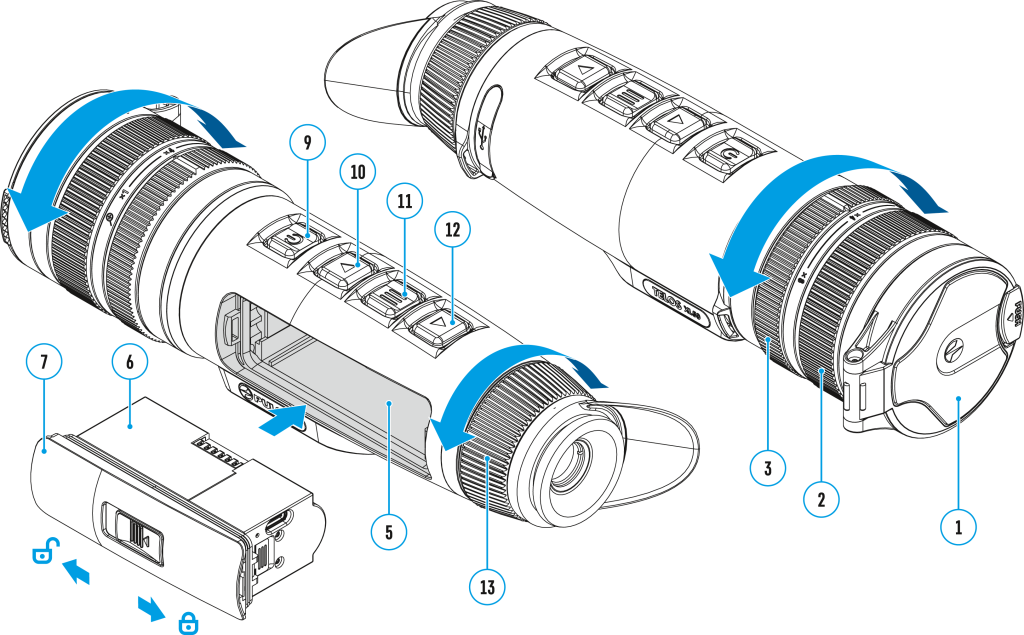
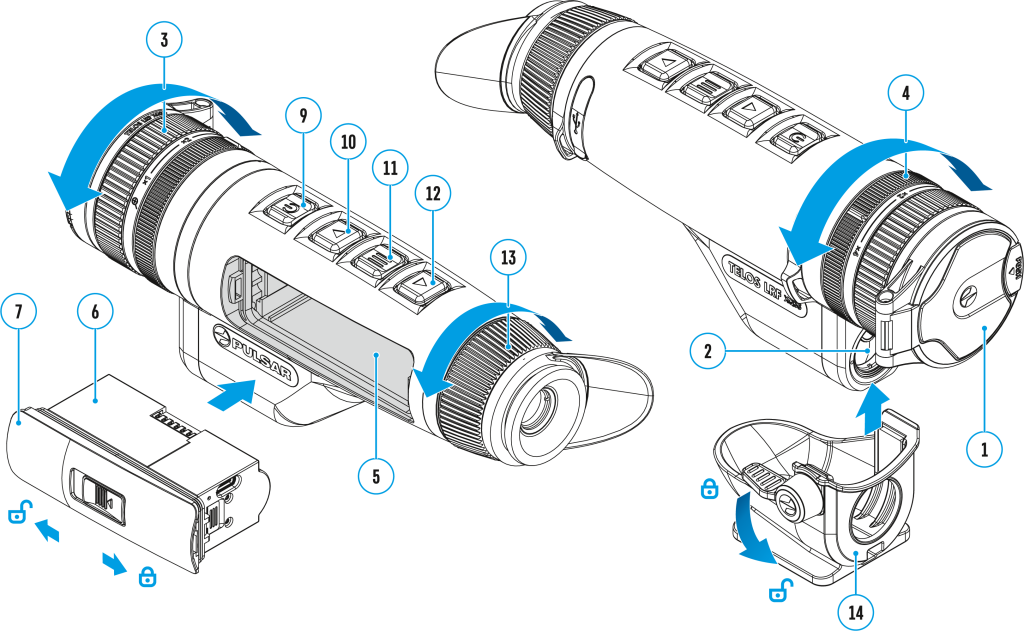
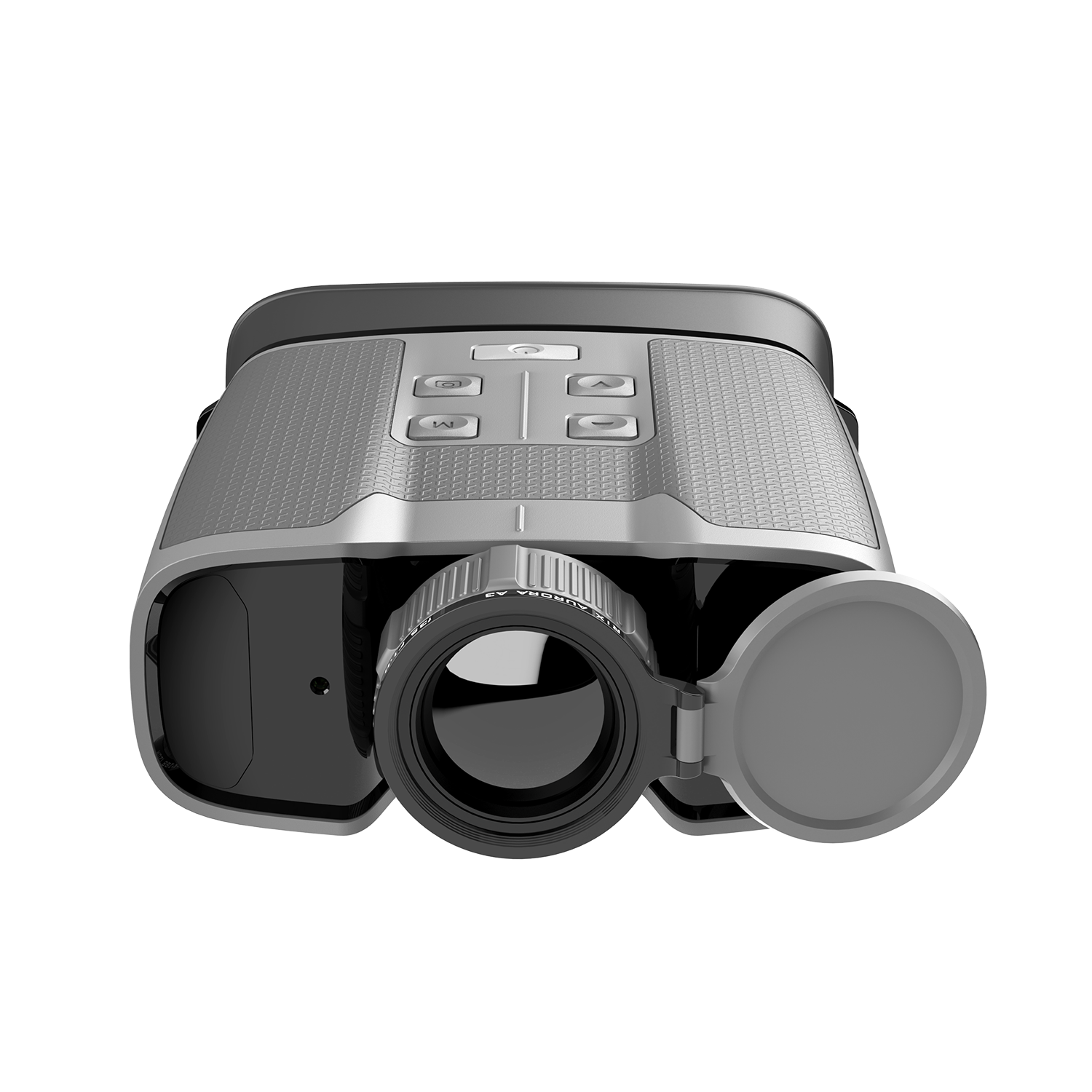
Thermal binoculars usually have two waysto adjust brightness and contrast. One uses physical buttonson the device. These buttons are easy to find and press. They let you change settings quickly without opening menus.
The other way is through the menu system. This method uses a small screen and navigation keys. It allows for finer controlover brightness and contrast. Menus can also offer extra options like presets or auto modes.
- Physical buttons:Fast, simple, good for quick changes.
- Menus:More detailed, offer extra settings and options.
Step-by-step Adjustment Guide
Adjusting brightnesson thermal binoculars helps you see clearer images in different lights. Use the brightness control button or dial. Turn it slowly until the image is not too dark or too bright. Find a level where details are easy to spot.
Tweaking contrastmakes the difference between objects and background sharper. Use the contrast control to increase or decrease it. Higher contrast shows edges better but can lose some details. Lower contrast gives softer images but can look blurry.
Finding the right balance between brightness and contrast is key. Adjust both controls little by little. Watch how the image changes. Stop when the view looks clear and comfortable for your eyes. This balance helps to spot animals or objects better at night.
Tips For Optimal Settings
Adjusting brightnessand contraston thermal binoculars is key for clear images. Daytime settings usually need lower brightnessdue to strong natural light. Night use requires higher brightnessand contrastto see faint heat signatures.
Weather affects thermal views. Fog or rain can blur images. Increase brightnessslightly to improve visibility. Strong sun or snow reflections call for lowering brightnessand raising contrastto avoid glare.
| Condition | Brightness | Contrast |
|---|---|---|
| Daylight | Lower | Medium |
| Night | Higher | Higher |
| Fog/Rain | Medium to High | Medium |
| Snow/Glare | Lower | Higher |

Credit: m.youtube.com
Troubleshooting Common Issues
Fuzzy or washed-out images often happen due to improper brightnessor contrast settings. Try adjusting the brightness first to make the image clearer. Lower brightness if the picture looks too bright or washed out. Increase contrast to make objects stand out better. Sometimes cleaning the lens helps remove blurriness caused by dirt or smudges. Also, check if the lens cover is fully open.
Unresponsive controls may be caused by low battery power. Replace or recharge batteries to restore function. Ensure that buttons are not stuck or blocked by dirt. Reset the device by turning it off and on again. Firmware updates might fix control issues, so check the manufacturer’s website. If controls still don’t work, contact support for help.
Maintenance To Preserve Image Quality
Cleaning lenses keeps the image clear and sharp. Use a soft cloth or lens brush to remove dust. Avoid using harsh chemicals that can damage the lens coating. Gently wipe in a circular motion to prevent scratches. Store your binoculars in a case when not in use. This stops dirt and moisture from building up.
Regular firmware updates improve device performance. Updates fix bugs and add new features. Connect your binoculars to a computer or app to check for updates. Installing updates helps keep your thermal images accurate and bright. Always follow the manufacturer’s instructions during this process.
Credit: pulsarvision.com
Credit: www.rixoptics.com
Frequently Asked Questions
How Do I Adjust Brightness On Thermal Binoculars?
To adjust brightness, locate the brightness control button or dial on your thermal binoculars. Increase or decrease the brightness until the image is clear and comfortable to view in different lighting conditions.
What Is The Best Contrast Setting For Thermal Binoculars?
The best contrast setting varies by environment. Adjust contrast to highlight details without losing image clarity. Increase contrast in low visibility and reduce it in bright areas for optimal viewing.
Can I Adjust Brightness And Contrast Simultaneously?
Yes, you can adjust brightness and contrast together. Start by setting brightness to a comfortable level, then fine-tune contrast for the best image sharpness and detail visibility.
Why Is Contrast Adjustment Important For Thermal Imaging?
Contrast adjustment enhances the distinction between hot and cold objects. It improves image clarity, making it easier to identify targets and details in various thermal environments.
Conclusion
Adjusting contrast and brightness improves your thermal binoculars’ image quality. Clear images help you see details better in dark or bright places. Take time to test settings in different environments. Small changes can make a big difference. Practice makes it easier to find the best view.
Enjoy clearer, sharper thermal vision every time you use your binoculars.