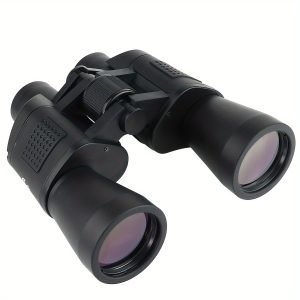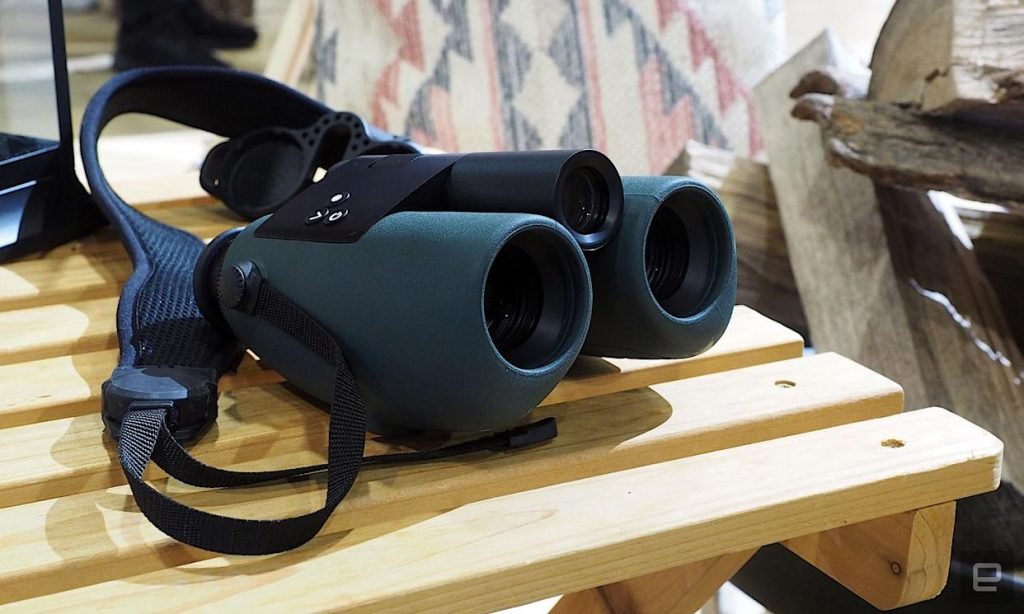
Are you curious about how to get the most out of wireless surveillance binoculars? Whether you want to keep an eye on your property, enjoy wildlife from a distance, or enhance your security, these powerful tools can make a huge difference.
But using them correctly is key to unlocking their full potential. You’ll discover simple, step-by-step tips to help you master wireless surveillance binoculars quickly and easily. Keep reading, and soon you’ll feel confident spotting what matters most—without missing a single detail.
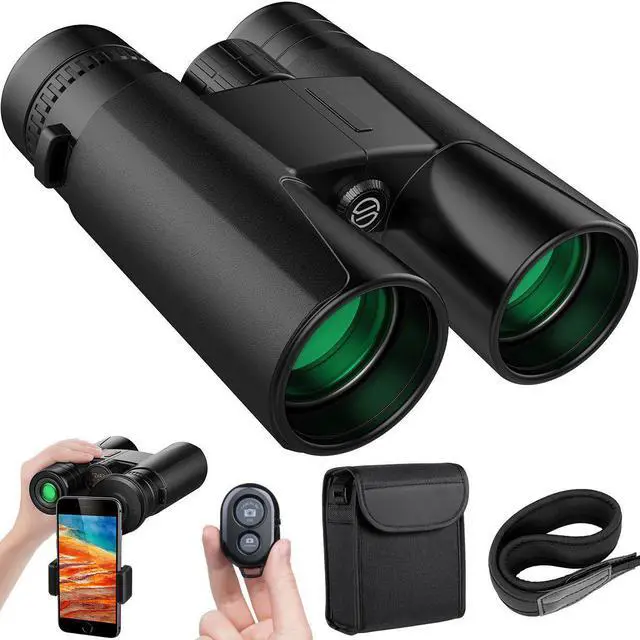
Credit: www.newegg.com
Choosing The Right Wireless Surveillance Binoculars
Wireless surveillance binoculars connect easily to your devices for real-time viewing. Adjust focus and use the app to capture and record clear images remotely. Practice handling them in different lighting to improve observation skills.
Key Features To Look For
Wireless surveillance binoculars should have clear images and long battery life. A wide field of view helps see more. Night vision is important for dark places. Zoom features allow seeing far objects. Durable design means it lasts longer. Easy controls make using them simple. Look for weatherproof options.
Comparing Different Models
Compare models based on image quality and battery life. Check the zoom strength for far objects. Look at night vision capabilities. Weight matters for carrying around. Price differences affect choice. Some models offer extra features. Size variations are important for portability.
Budget Considerations
Budget-friendly options still have good features. Mid-range models may offer better quality. High-end models have more advanced features. Set a budget before shopping. Compare prices from different brands. Look for discounts on popular models. Balance cost with needed features.
Setting Up Your Wireless Binoculars
Wireless binoculars need to be fully charged before use. Use the supplied USB cable to connect them to a power source. Charging time can vary, so check the user manual for details. Some models use replaceable batteries; keep extras ready for longer use. Battery life depends on usage and settings.
To connect binoculars to devices, turn on the binoculars and enable Wi-Fi or Bluetooth. Open the app or software on your phone or tablet. Search for the binoculars’ network name. Enter the password if asked. Once connected, live video can be viewed directly on the device.
Settings allow you to adjust brightness, zoom, and recording options. Use the app or built-in controls to configure. Set the resolution and frame rate for clear images. Enable motion detection or night vision if available. Save changes before exiting the menu to keep preferences.
Operating Tips For Clear Viewing
Start by holding the binoculars steady. Slowly turn the focus ring until the image becomes sharp. Use the zoom feature carefully to get a closer view without losing clarity.
For better night vision, switch on the infrared or night mode. Allow your eyes to adjust to the dark before observing. Keep the lenses clean to avoid blurry images.
- Hold the binoculars with both hands for stability.
- Rest your elbows on a solid surface if possible.
- Use a tripod for longer viewing sessions.

Credit: www.amazon.com
Recording And Streaming Footage
Wireless surveillance binoculars often come with built-in recording features. These allow you to capture videos or photos directly on the device. Press the record button to start or stop recording. Some models save files on internal memory or an SD card. Check the battery level before recording to avoid interruptions.
Streaming footage live to a smartphone or PCis possible with Wi-Fi or Bluetooth. Connect the binoculars using the app provided by the manufacturer. This lets you watch the view in real-time on a larger screen. It is useful for sharing or monitoring from a distance.
| Storage Management | Tips |
|---|---|
| Check Storage Often | Delete unwanted files regularly to free space. |
| Use High-Capacity SD Cards | Choose cards with enough space for long recordings. |
| Backup Files | Transfer videos to a PC or cloud storage to save space. |
Maintenance And Care
Cleaning lenses properlykeeps your binoculars clear and sharp. Use a soft, lint-free cloth to wipe lenses gently. Avoid rough materials that can cause scratches. Use lens cleaning solution for stubborn spots, but never spray directly on lenses. Always clean in a circular motion to protect the coating.
Protecting from weather conditionsextends the life of your binoculars. Keep them dry and avoid exposure to rain or snow. Use a protective case when not in use. Store in a cool, dry place to prevent mold and damage. Avoid direct sunlight for long periods.
Regular firmware updatesimprove device performance. Check the manufacturer’s website or app for updates. Follow instructions carefully to avoid errors. Updates can fix bugs and add new features. Staying updated helps your binoculars work smoothly and reliably.
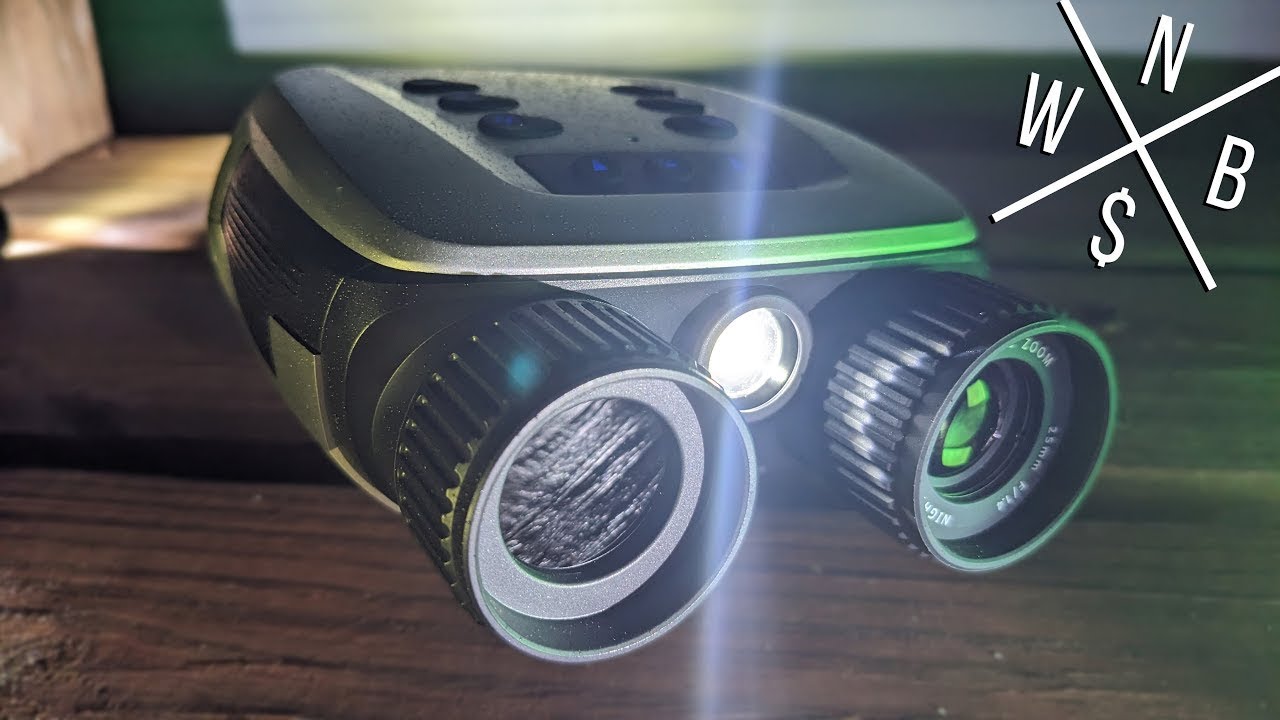
Credit: www.youtube.com
Common Troubleshooting Tips
Connectivity problemsoften happen due to weak signals or wrong settings. Check if the binoculars and device are on the same network. Restart both devices to refresh the connection. Keep devices close to avoid signal loss. Update the firmware to fix bugs.
Image qualityissues may result from dirty lenses or poor focus. Clean lenses gently with a soft cloth. Adjust the focus ring slowly to get a clear view. Check the app or device settings for brightness and contrast. Use binoculars in good light for better images.
Battery lifecan be short if the device is used for long times. Turn off the binoculars when not in use. Carry extra batteries or a power bank for longer use. Avoid charging in extreme temperatures to protect battery health.
Frequently Asked Questions
What Are Wireless Surveillance Binoculars Used For?
Wireless surveillance binoculars help you monitor distant areas discreetly. They offer real-time video streaming and recording without cables. Ideal for security, wildlife observation, and outdoor activities.
How Do Wireless Surveillance Binoculars Connect To Devices?
They connect via Wi-Fi or Bluetooth to smartphones, tablets, or computers. This wireless link enables live viewing and easy video sharing on multiple platforms.
Can Wireless Surveillance Binoculars Record Videos And Take Photos?
Yes, these binoculars have built-in cameras allowing video recording and photo capturing. Files are saved on internal memory or removable SD cards for later access.
What Is The Battery Life Of Wireless Surveillance Binoculars?
Battery life typically ranges between 4 to 8 hours depending on usage. Continuous recording or Wi-Fi streaming may reduce battery duration faster.
Conclusion
Wireless surveillance binoculars offer clear views from a distance. Use them to watch wildlife, events, or secure property quietly. Connect them to your device for live video and easy recording. Keep batteries charged and lenses clean for best results. Practice using controls to feel confident and avoid mistakes.
Choose safe spots to stay hidden while watching. These tips help you use wireless binoculars with ease and safety. Enjoy sharp images and real-time monitoring anytime, anywhere.