Have you ever wished you could capture the amazing details you see through your wildlife binoculars right on your smartphone? Imagine snapping clear, close-up photos of birds, animals, or distant landscapes without carrying bulky camera gear.
Using a smartphone adapter with your wildlife binoculars makes this possible—and easier than you think. You’ll discover simple steps to connect your devices, tips to get sharp images, and tricks to make every outdoor adventure unforgettable. Keep reading to turn your binoculars and phone into the perfect wildlife-watching duo.
Choosing The Right Binoculars
Choosing binoculars that fit your smartphone adapter ensures clear, sharp images of wildlife. Align the phone camera with the binocular lens for easy photo capture. Adjust focus carefully to get the best view and snap memorable shots.
Key Features To Look For
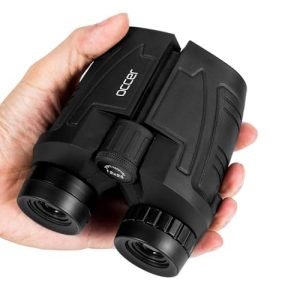
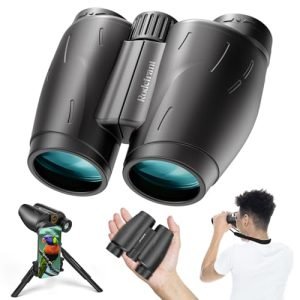
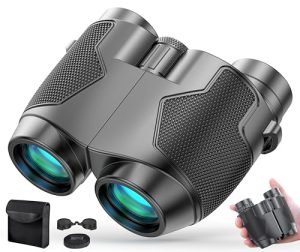
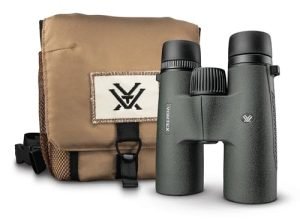
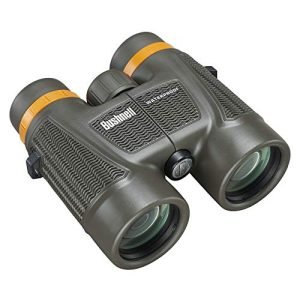
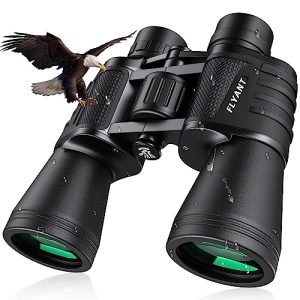
Choosing wildlife binoculars involves checking several features. Magnification is crucial; it helps you see distant animals clearly. Lens quality impacts image sharpness. Field of view shows how much area you can see. Durability matters if you use them often. Waterproof binoculars are ideal for wet conditions. Weight is important for long trips. Lighter binoculars are easier to carry.
Popular Binocular Types For Wildlife
- Porro Prism Binoculars: Offer wide views.
- Roof Prism Binoculars: Compact and durable.
- Monoculars: Easier to use with one hand.
Budget Vs. Quality Considerations
Budget options might seem tempting, but often lack durability. Quality binoculars provide better images and last longer. Spending more can mean clearer views and better construction. Consider how often you’ll use them. It’s smart to invest in quality if you love wildlife watching. Balance cost and features to find the best choice.

Credit: agenaastro.com
Selecting A Smartphone Adapter
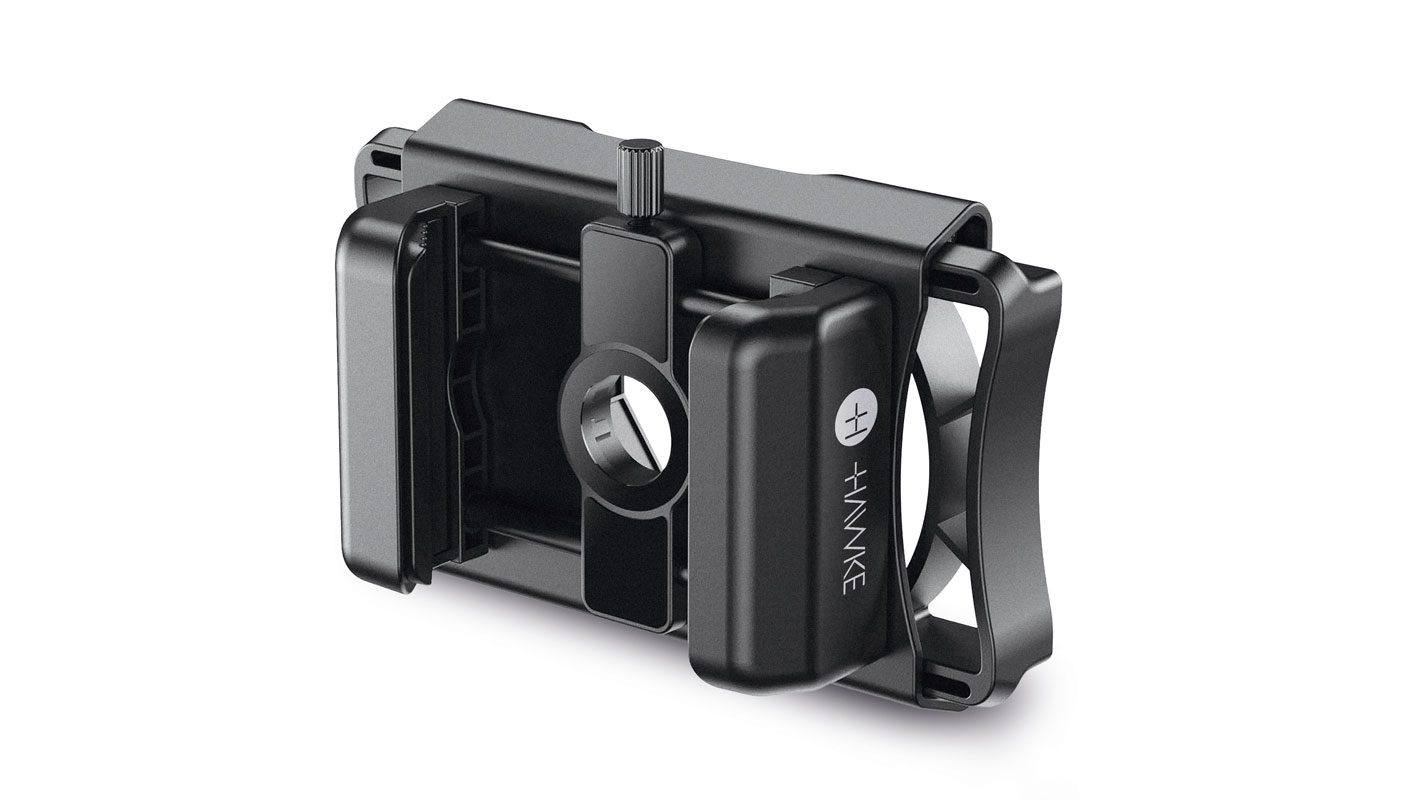
Compatibility with binocularsis key. The adapter must fit the binocular’s eyepiece size and shape. Check if the adapter supports your binocular model. Some adapters fit only specific brands or sizes.
Mounting mechanismsvary. Some adapters use clamps, others twist or clip on. Choose one that holds the phone steady without slipping. Easy setup saves time and keeps your shots clear.
Durability and portabilitymatter for outdoor use. Look for adapters made from strong materials like metal or hard plastic. Lightweight models are easier to carry during hikes or trips. A compact design fits well in your bag.
Setting Up Your Equipment
Attach the adapter firmly to the binoculars’ eyepiece. Make sure it fits snugly without wobbling. This helps keep the smartphone aligned with the binocular lens.
Place your smartphone so the camera lens lines up with the binocular’s eyepiece. Adjust the phone and adapter until you see a clear image on the screen. This step is key for sharp photos and videos.
- Tighten all screws or clamps to avoid movement.
- Hold the binoculars and phone steadily while using.
- Use a tripod if possible for better stability.
- Check the setup often to keep everything aligned.
Optimizing Image Quality
Adjust focus by slowly turning the binocular’s focus wheel. Aim for a clear image of the animal or bird. Use zoom carefully to avoid losing sharpness. Too much zoom can make the image blurry.
Set your smartphone camera to the highest resolution available. Turn off flash to keep the picture natural. Use the camera’s manual mode if possible. Adjust brightness and exposure for better clarity.
- Hold the binoculars and phone steady to reduce shakes.
- Use both hands or rest on a solid surface.
- Try a small tripod for extra stability.
- Take pictures in bright light to avoid blur.
Capturing Wildlife Moments
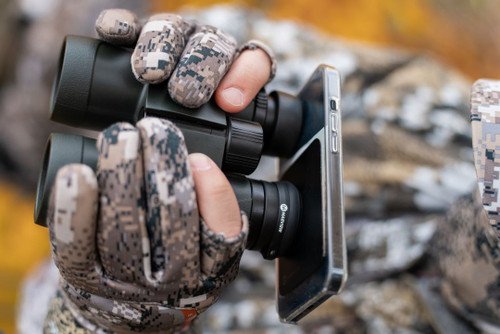
Using wildlife binocularswith smartphone adapters helps capture clear animal photos. Attach the adapter firmly to the binoculars and align your phone’s camera lens with the eyepiece. Hold the device steady to avoid blurry images.
Good lighting improves photo quality. Early morning or late afternoon offers soft, natural light. Avoid sudden moves to keep animals calm. Focus on your subject before taking the picture. Use the zoom feature on your phone carefully to maintain sharpness.
Patience is key. Animals move fast or hide. Wait quietly and watch their behavior. This increases chances of a good shot. Don’t rush the process. Nature will reward your patience.
Respect wildlife by keeping a safe distance. Avoid loud noises or bright flashes. Do not disturb nests or habitats. Ethical viewing protects animals and their environment.
Credit: birdwatchireland.ie
Maintaining Your Gear
Keep your binoculars and adapter cleanto ensure clear viewing. Use a soft, dry cloth to wipe lenses gently. Avoid using harsh chemicals or paper towels, which can scratch lenses. For stubborn dirt, use lens cleaning solution made for optics.
Store gear in a dry, cool placeto prevent damage. Use the original case or a padded bag to protect from dust and drops. Avoid leaving binoculars or adapters in direct sunlight or damp areas.
| Problem | Fix |
|---|---|
| Blurry image | Adjust focus rings carefully; clean lenses |
| Adapter does not fit | Check model compatibility; tighten adapter screws |
| Smartphone camera not aligning | Reposition phone in adapter; adjust angle |
| Foggy lenses | Wipe with microfiber cloth; avoid breathing on lenses |

Credit: www.amazon.com
Frequently Asked Questions
How Do I Attach A Smartphone Adapter To Binoculars?
Attach the adapter securely to the binocular eyepiece. Align your smartphone camera lens with the adapter’s opening. Tighten the clamps to hold your phone firmly in place. Ensure the setup is stable before use for clear images.
Can I Use Any Smartphone With Wildlife Binocular Adapters?
Most adapters fit popular smartphone models, but compatibility varies. Check the adapter’s specifications for supported phone sizes. Some adapters offer adjustable clamps for a better fit. Using the correct adapter ensures optimal image quality and ease of use.
What Are The Benefits Of Using Smartphone Adapters With Binoculars?
Adapters allow easy photo and video capture through binoculars. They enhance wildlife observation by recording distant animals clearly. This setup is portable, user-friendly, and cost-effective for nature enthusiasts. It combines binocular clarity with smartphone convenience.
How Do I Focus My Smartphone Through Binoculars Correctly?
First, focus your binoculars on the subject. Then, adjust the smartphone camera focus manually or use autofocus. Ensure the phone lens aligns perfectly with the binocular eyepiece. Proper focusing results in sharp, high-quality images and videos.
Conclusion
Using wildlife binoculars with smartphone adapters makes nature viewing fun and easy. You can capture clear photos and videos of animals from far away. Just attach the adapter, align your phone’s camera, and start exploring. Practice helps you get better at focusing and framing shots.
Remember to be patient and respectful of wildlife. Enjoy the outdoors and share your amazing discoveries with friends and family. This simple setup brings the wild world closer to you.