Have you ever struggled to get a clear view through your thermal binoculars? Adjusting the settings just right can make all the difference between a blurry image and a crystal-clear picture.
Whether you’re out in the wild, on a night watch, or simply exploring, knowing how to fine-tune your thermal binoculars puts you in control. In this guide, you’ll discover simple, step-by-step tips to optimize your device for the best possible performance.
Keep reading, and you’ll soon master the settings that make every detail stand out.
Credit: pulsarvision.com
Choosing The Right Thermal Mode
Selecting the right thermal mode enhances image clarity and contrast. Adjust settings based on environment and target distance for better visibility. Simple tweaks can improve your viewing experience significantly.
White Hot Vs Black Hot
White Hotmode shows warm objects in white. This makes details clear. Black Hotmode shows warm objects in black. This helps when looking for shapes. Each mode has its own benefits. White Hot is good for daytime use. Black Hot works well at night. Choose based on your surroundings.
Color Palettes Explained
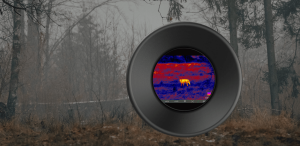
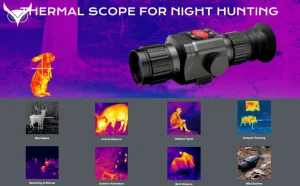
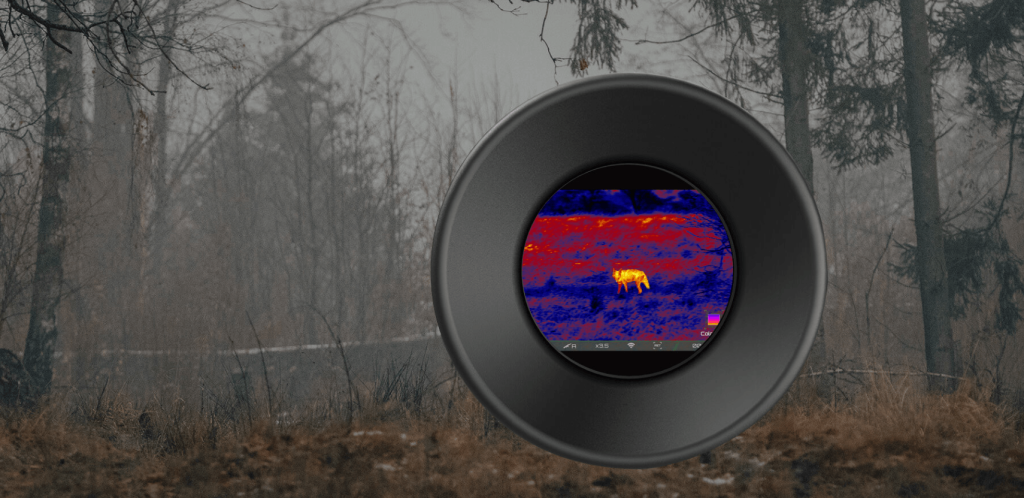
Thermal binoculars offer different color palettes. These include rainbow, ironbow, and more. Rainbow mode shows many colors for heat levels. Ironbow uses red and yellow for hot objects. It helps in finding warm targets quickly. Each palette offers unique views. Experiment to find what suits your needs best.
Optimizing Image Brightness And Contrast
Adjusting brightnesson thermal binoculars helps see details better in dark or bright areas. Turn the brightness control slowly until the image feels clear and comfortable for your eyes. Too much brightness can wash out details, while too little makes the image hard to see.
Enhancing contrastimproves the difference between hot and cold objects. Increase contrast to make shapes and edges sharper. This helps find animals or objects faster. Lower contrast if the image looks too harsh or noisy. Small changes can make a big difference.
- Start with medium brightness and contrast.
- Adjust brightness first, then contrast.
- Use small steps to avoid sudden changes.
- Check the image on different scenes.
- Save your settings if the binoculars allow.
Focusing Techniques For Sharp Images
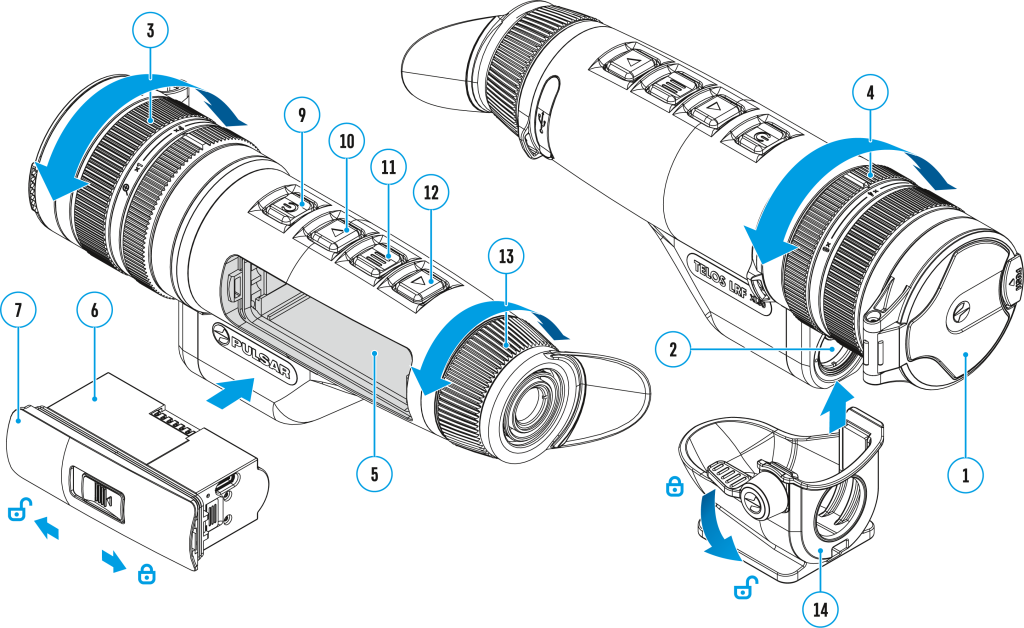
Manual focusingallows precise control over image sharpness. Turn the focus ring slowly while watching the image. Stop when the image is clear and details stand out.
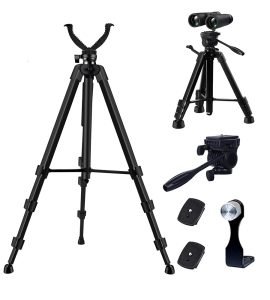
Use a steady hand or a tripod to avoid shaking. Focus on objects at different distances to practice. This helps find the best setting for each scene.
- Turn focus ring gently
- Watch image clarity closely
- Hold binoculars steady
- Practice focusing on near and far objects
Auto focus quickly adjusts settings based on distance. Allow the binoculars a moment to focus after pointing them at a target. Move slowly to help the system work better.
Auto focus works best in good light and with clear shapes. If the image looks blurry, switch to manual focus for better control.
Calibrating Your Thermal Binoculars
Calibrate thermal binocularsto keep images clear and accurate. Calibration is needed when you notice blurry or distorted images. Changes in temperature or moving between environments can affect accuracy. Also, calibrate if the image shifts or the device shows unusual colors.
Follow these easy steps for calibration:
- Hold the binoculars steady and point them at a clear, stable target.
- Press the calibration button or access calibration in the menu.
- Wait for the device to adjust automatically; do not move it.
- When the image clears and stabilizes, calibration is done.
- Repeat if the image still looks unclear or shaky.
Setting Range And Distance Parameters
Distance markers help you know how far objects are. Adjusting these markers improves your view. Set the range based on what you want to see. Use the binocular’s menu to change the distance units. Choose meters or yards depending on your region. Fine-tune the marker position to match the target size.
Different environments need different settings. Bright places may need lower sensitivity to avoid glare. Dark or foggy areas need higher sensitivity for better views. Change the thermal contrast to see more clearly. Save settings for quick use in similar places later.

Credit: www.amazon.com
Using Zoom And Digital Enhancements
Optical zoomuses lenses to magnify the image. It keeps the picture clear and sharp. Digital zoomenlarges the image by cropping it. This can make the picture blurry or pixelated.
For better image quality, use optical zoom first. Only use digital zoom if needed for closer views. Combining both can help, but too much digital zoom reduces clarity.
- Optical zoom = clear, sharp images
- Digital zoom = crops image, may reduce quality
- Start with optical zoom for best results
- Use digital zoom carefully to avoid blur
- Adjust settings slowly for smooth changes
Adjusting Reticle And Display Settings
Thermal binoculars offer different reticle stylesto suit your needs. You can select from simple dots, crosshairs, or circles. Each style helps in aiming at targets more clearly. Choose one that feels comfortable and easy to see.
Adjusting display brightnessis important for clear vision. Brightness settings should match the environment. Use higher brightness in dark places. Lower brightness works better in bright areas. This helps prevent eye strain and keeps images sharp.
Battery Management And Power Settings
Maximizing battery lifeon thermal binoculars extends their use in the field. Lowering screen brightness helps save power. Switching off the device when not used prevents battery drain. Keeping spare batteries is smart for long trips.
Power saving modesreduce energy use automatically. These modes dim the display or turn off after inactivity. Some binoculars offer adjustable sleep timers. Using these settings keeps batteries alive longer.
- Dim the screen brightness
- Turn off device when idle
- Use power saving or sleep mode
- Carry extra batteries
Troubleshooting Common Issues
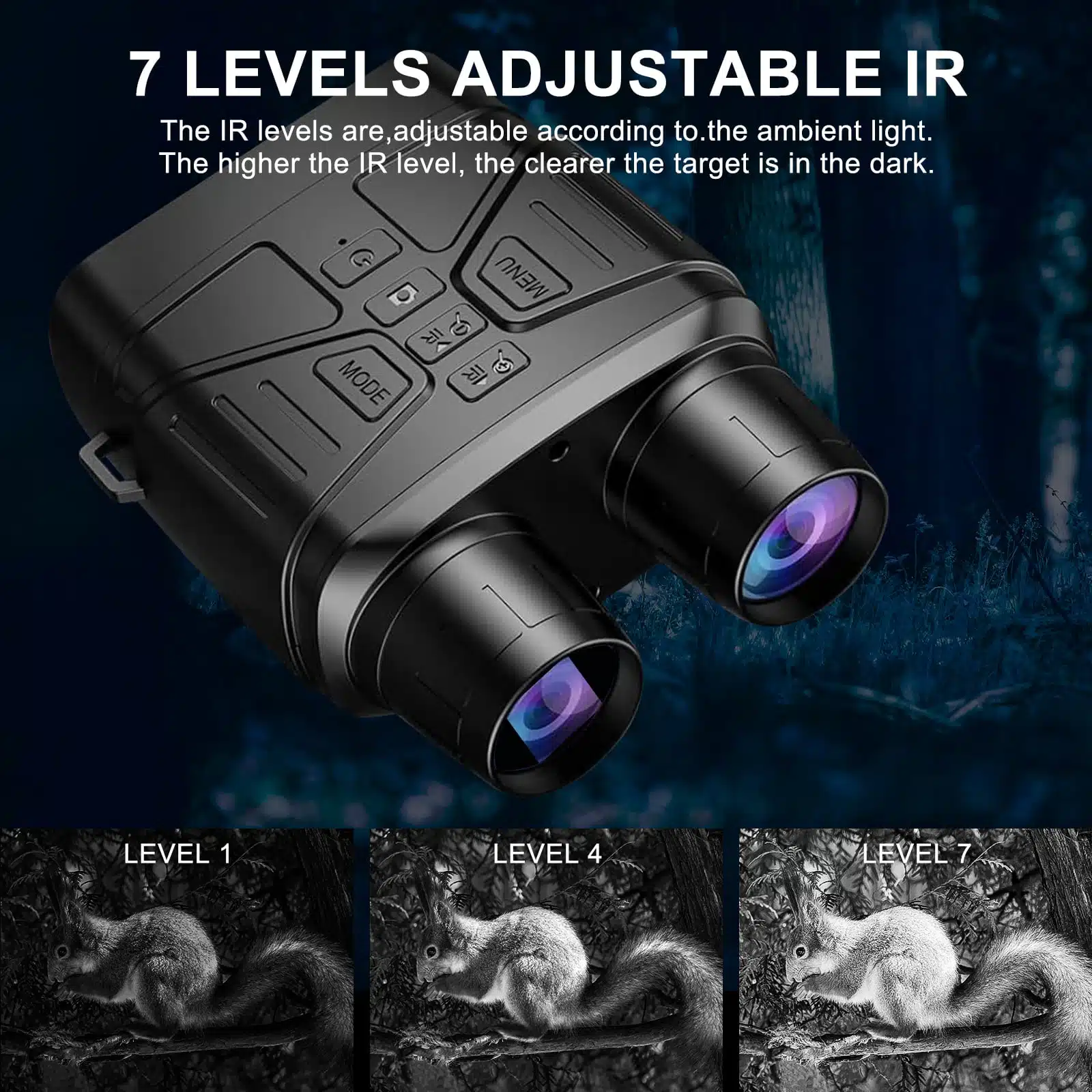
Image distortioncan make viewing unclear. To fix this, adjust the focus ring slowly. Stop when the image looks sharp and clear. Check if the binoculars are clean. Dirt or smudges on lenses cause blurriness. Use a soft cloth to clean gently.
Calibration errorshappen when the thermal sensor is off. Reset the device by turning it off and on. Use the calibration button if available. Hold the binoculars steady during calibration. Moving them can cause errors.
- Check for firmware updates from the manufacturer.
- Keep the binoculars at room temperature before use.
- Avoid direct sunlight on the sensor.
- Use the manual to adjust settings carefully.
Credit: www.usnighthawk.com
Frequently Asked Questions
How Do I Calibrate Thermal Binoculars For Better Accuracy?
Calibrate thermal binoculars by following the manufacturer’s instructions. Usually, this involves adjusting the focus and setting the temperature range. Regular calibration ensures clear images and accurate temperature readings, improving observation quality in different environments.
What Settings Improve Thermal Image Clarity?
Adjust the focus, contrast, and brightness settings to enhance image clarity. Fine-tuning these settings helps highlight heat signatures and details. Using the appropriate color palette can also improve visibility based on your observation needs.
How To Adjust The Temperature Scale On Thermal Binoculars?
Access the menu and select the temperature scale option. Choose between Celsius or Fahrenheit based on your preference. Setting the correct temperature scale helps in better interpreting thermal data and making accurate assessments.
Can I Customize Color Palettes On Thermal Binoculars?
Yes, most thermal binoculars allow color palette customization. Different palettes highlight heat signatures differently, aiding in various conditions. Experiment with palettes like white-hot, black-hot, or rainbow to find the best fit for your use.
Conclusion
Adjusting thermal binoculars is simple with practice and patience. Start by setting brightness and contrast to clear views. Next, focus the lenses for sharp images. Use the zoom carefully to avoid blurry pictures. Check the settings often in different environments.
Small changes can improve your experience greatly. Remember, each model may have unique controls. Take time to explore and learn your device. Enjoy clearer vision during night or low light. This makes your outdoor activities safer and more fun. Keep practicing to feel confident using your thermal binoculars.