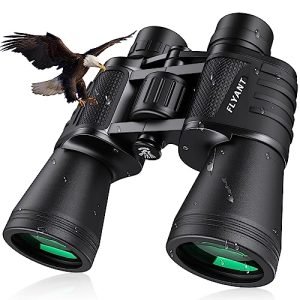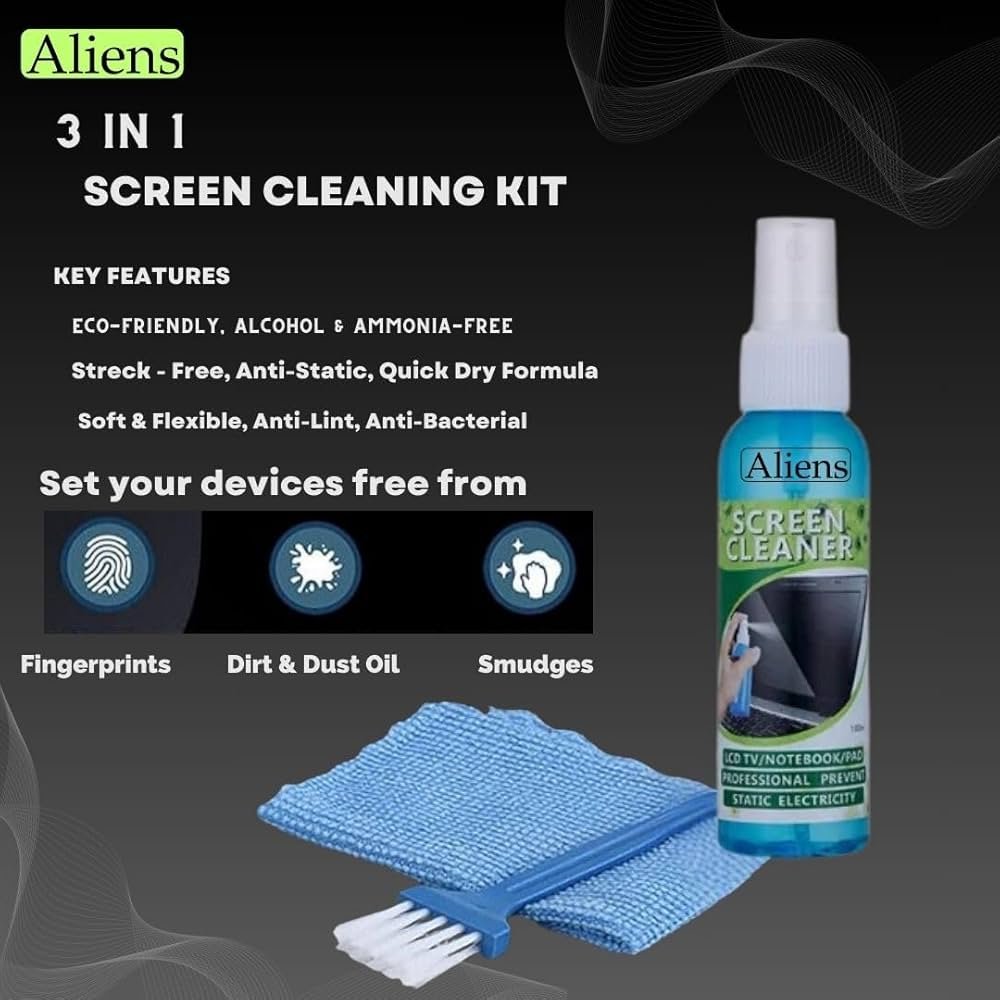
Your binocular lenses are your window to the world, so keeping them crystal clear is key for the best view. But cleaning them the wrong way can cause scratches or attract dust faster.
What if there was a simple method to clean your lenses safely while keeping them free from static and dust? You’ll discover exactly how to clean your binocular lenses using an anti-static solution. Follow these easy steps, and you’ll enjoy sharper, clearer sights every time you look through your binoculars.
Keep reading—you don’t want to miss these expert tips!

Credit: www.amazon.in
Choosing The Right Anti-static Solution
Choosing the best anti-static solution is crucial for lens care. Liquid solutions are popular. They clean lenses well. Spray bottles offer convenience. They cover lenses evenly. Pre-moistened wipes are handy. They are easy to use. Gel solutions are thicker. They provide deep cleaning. Always choose a product made for optics. This prevents damage to your lenses.
Types Of Anti-static Cleaners
- Liquid Cleaners: Easy to apply, great for thorough cleaning.
- Spray Cleaners: Quick use, covers large areas fast.
- Wipes: Portable and simple, ideal for travel.
- Gel Cleaners: Thick and effective, perfect for tough spots.
Safety Considerations
Safety is important when cleaning lenses. Avoid harsh chemicals that can damage lenses. Wear gloves to protect your skin. Ventilate the area well. This prevents inhaling fumes. Store solutions safely. Keep them away from children and pets.

Credit: www.amazon.in
Gathering Necessary Cleaning Supplies
Gather all cleaning tools like a soft cloth, anti-static solution, and a blower before starting. Having everything ready makes lens cleaning easier and safer.
Microfiber Cloths
Microfiber clothsare soft and gentle on lenses. They do not scratch the surface. Use a clean cloth to avoid dirt or grit.
Lens Cleaning Tools
- Anti-static cleaning solutionhelps remove dust and static.
- A small brushcan clear loose particles.
- Lens blowerhelps blow away dust without touching the lens.
Protective Gear
Wear cotton glovesto keep oils from fingers off lenses. Use a clean, flat surfaceto avoid dropping or damaging binoculars. Keep the area dust-free for best results.
Preparing Your Binoculars For Cleaning
Begin by carefully examining the binocular lenses. Look for dust, dirt, or fingerprintson the surface. Use a soft brush or a blower to remove any loose debris gently. Avoid wiping the lenses with cloth before removing loose particles to prevent scratches.
Hold the binoculars steady and check both eyepieces and objective lenses. Pay attention to any smudges or spots that might need cleaning. Removing loose debris first is importantto keep lenses safe from damage during cleaning.

Credit: www.amazon.in
Step-by-step Cleaning Process
Apply a small drop of anti-static solutionto a clean, soft cloth. Avoid putting the solution directly on the lenses. Gently dab the cloth on the lens surface to spread the solution evenly. This helps to remove dust and reduce static that attracts dirt.
Use a circular motionwith a soft microfiber cloth to wipe the lenses. Start from the center and move outward. Never press hard, as this can scratch the glass. Use light, gentle strokes to clean without damage.
Allow the lenses to air dry or use a dry part of the microfiber cloth to remove any moisture. Make sure lenses are completely dry before storing binoculars. Avoid using paper towels or rough fabrics, which can leave scratches.
Maintaining Lens Clarity Over Time
Keeping binocular lenses clear protects your view and extends their life. Gently wipe lenses using an anti-static solution to remove dust and prevent buildup. Regular cleaning avoids scratches and maintains sharp, bright images.
Regular Cleaning Schedule
Set a regular time to clean your binocular lenses. Use an anti-static solutionfor the best results. Gently wipe lenses with a soft cloth to avoid scratches. Cleaning often keeps your view clear and sharp. Avoid using harsh chemicals or rough materials. Small dust particles can cause damage if left too long.
Storage Tips
Store binoculars in a dry, cool place. Use a protective case to keep dust and dirt away. Keep lenses covered with lens caps when not in use. Avoid leaving binoculars in direct sunlight or hot places. Proper storage helps maintain lens quality and extends their life.
Avoiding Common Cleaning Mistakes
Using harsh chemicalscan damage binocular lenses easily. Avoid cleaners with ammonia, bleach, or alcohol. These substances may harm lens coatings and reduce clarity.
Excessive pressurewhile cleaning can scratch or break lenses. Always use a gentle touch. Let the soft cloth and anti-static solution do the work.
- Do not rub hard or press too much on lenses.
- Use a soft microfiber cloth designed for optics.
- Apply anti-static solution sparingly to avoid residue build-up.
Careful handling keeps lenses clear and extends binocular life.
Frequently Asked Questions
How Do I Safely Clean Binocular Lenses?
Use an anti-static solution and a microfiber cloth. Avoid harsh chemicals or rough materials. Gently wipe lenses in circular motions for clear vision.
What Is The Benefit Of Anti-static Solution On Lenses?
Anti-static solution repels dust and dirt by reducing static charge. It keeps lenses cleaner longer and improves image clarity.
Can I Use Household Cleaners On Binocular Lenses?
No, household cleaners can damage lens coatings. Use only products designed for optical lenses, like anti-static solutions, to maintain lens quality.
How Often Should I Clean Binocular Lenses?
Clean lenses when visibly dirty or dusty. Regular cleaning depends on usage but avoid over-cleaning to prevent scratches.
Conclusion
Cleaning binocular lenses with an anti-static solution keeps your view clear. Use gentle motions to avoid scratches. Regular cleaning stops dust and dirt build-up. This simple step helps your binoculars last longer. Always store them in a safe, dry place.
Clear lenses make your outdoor experience better. Take care of your gear, and it will serve you well. Small efforts bring big benefits. Keep your binoculars ready for every adventure.