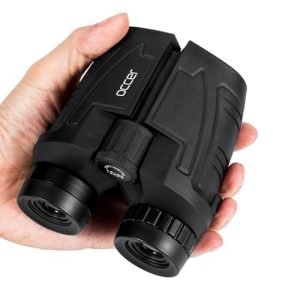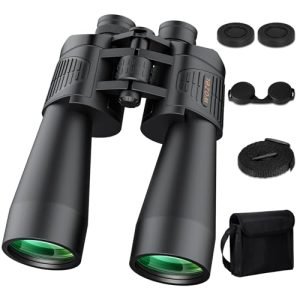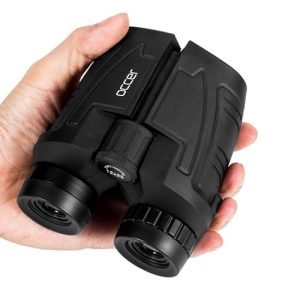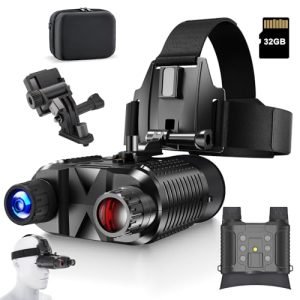
Unlock the Secret to Accurate Long-Distance Shots: Mastering Your Rangefinder Monoculars Are you tired of guessing the distance to your target, only to find yourself off the mark? Do you struggle to accurately gauge the distance to a deer, a bird, or a bunker on the golf course?
If so, you’re not alone. Many outdoor enthusiasts and sportsmen face this challenge, which can make all the difference between a successful hunt, a great golf shot, or even a safe trip. We’ll show you how to read distance on your rangefinder monoculars like a pro.
Whether you’re a seasoned hunter, a competitive golfer, or an adventure-seeker, mastering the art of distance reading will take your skills to the next level. So, if you’re ready to upgrade your game and unlock the full potential of your rangefinder monoculars, keep reading to discover the tips and tricks you need to know.

Credit: www.amazon.com.au
Basics Of Rangefinder Monoculars
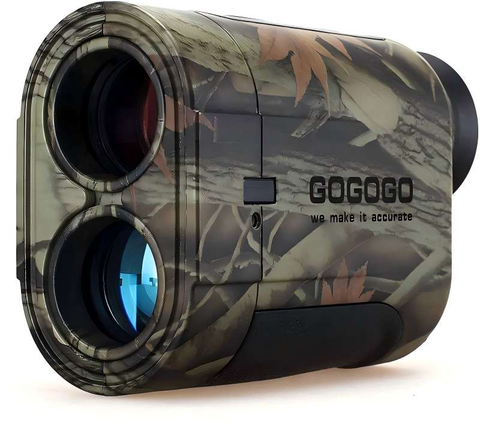
Rangefinder monoculars help measure distanceto objects. They are useful in hunting, hiking, and sports. These tools work by sending a light beam that bounces back from the target. The device then calculates the time it took for the beam to return. This time helps find the exact distance.
There are different typesof rangefinder monoculars:
- Laser rangefinders:Use laser light for precise distance measurement.
- Optical rangefinders:Use lenses and mirrors to estimate distance.
- Hybrid models:Combine laser and optical features for better accuracy.
Choosing the right type depends on your needs and environment. Some work better in daylight, while others are good for low light. Understanding these basics helps use the device correctly.
Understanding Distance Measurement
Rangefinder monoculars use laser technologyto measure distance. A laser beam is sent to the target. The beam hits the object and bounces back to the device. The monocular calculates the time taken for the beam to return. This time helps find the exact distance.
The device uses a simple formula: distance = speed of light × time ÷ 2. This formula gives the distance from the user to the target. The division by two is because the laser travels to the target and back.
- Laser emitter:Sends the laser beam.
- Receiver:Detects the reflected beam.
- Processor:Calculates the distance using time data.
- Display:Shows the measured distance clearly.
Step-by-step Distance Reading
Start by turning on the rangefinder and checking its battery level. Adjust the eyepiece until the image is clear. Set the unit of measurement to meters or yards as needed. Calibration may be necessary to ensure accurate readings. Follow the user manual to calibrate properly.
Hold the monocular steady and aim at the target. Press the laser button to activate the distance measuring beam. Keep the device still until the reading appears. The laser helps measure the exact distance by bouncing light off the target.
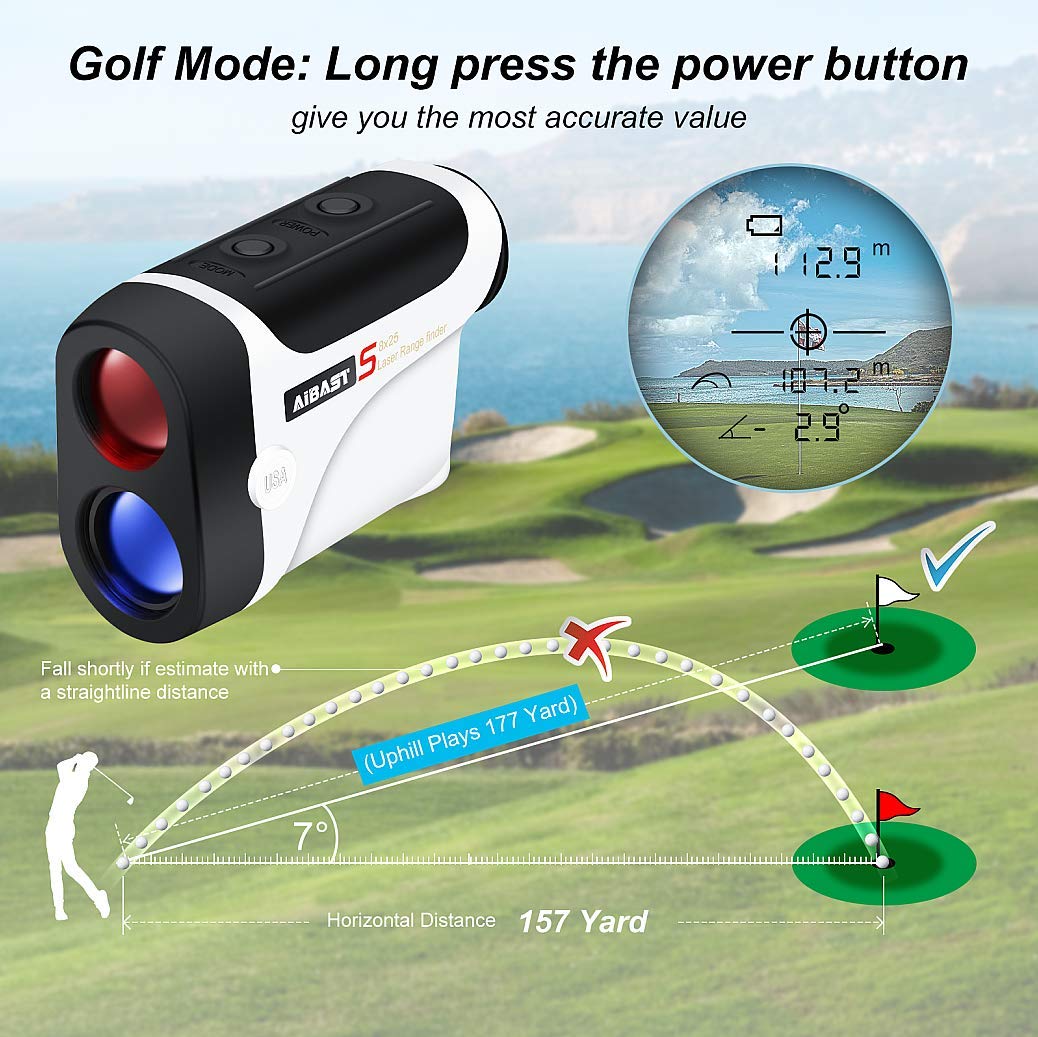
| Display Symbol | Meaning |
|---|---|
| Number (e.g., 150) | Distance to the target in chosen units |
| Battery Icon | Shows battery status |
| Signal Strength | Quality of the laser return |
Read the number shown to know the distance. If the display is unclear, adjust focus again. Repeat targeting for best results. Keep the monocular steady for accurate distance reading.
Common Challenges And Solutions
Fog, rain, and bright sunlightcan make distance reading hard. Moisture on lenses blurs the view. Use a soft cloth to keep lenses clean and dry. Try to find a shaded spot or wait for clear weather to get better readings.
Strong winds can shake the device, causing errors. Hold the monocular steady or use a tripod for stability. Take multiple readings to confirm accuracy. Make sure batteries are fresh to avoid device shutdown.
| Common Device Errors | Easy Fixes |
|---|---|
| No reading or flickering screen | Replace or recharge batteries |
| Unclear or blurry display | Clean lens and screen gently |
| Inconsistent distance values | Hold device steady, retake reading |
| Device not turning on | Check battery installation and power switch |
Advanced Tips From Experts
Experts suggest focusing on the reticle to estimate distance accurately through rangefinder monoculars. Adjusting the focus and understanding scale markings improves reading precision. Practice helps users quickly interpret distances in various outdoor settings.
Maximizing Accuracy
Hold the monocular steadyto get a clear reading. Use both hands or rest your arm on a surface. Aim carefully at the object’s center. Wait for the display to stabilize before noting the distance. Clear lenses and clean optics improve accuracy. Check the battery level; a weak battery can cause errors. Practice with known distances to understand your rangefinder’s quirks.
Using Rangefinders In Various Conditions
Bright sunlight may cause glare, affecting the reading. Use a lens hood or shade your eyes to reduce glare. Fog and rain can scatter the laser, lowering accuracy. In these cases, aim at larger or closer objects. Cold weather may slow down the device’s response. Warm up the rangefinder indoors before use. Rough terrain needs extra care to keep the device steady. Always double-check readings in tricky environments.
Credit: us.amazon.com
Maintenance And Care
Keeping your rangefinder monoculars clean helps them work well. Use a soft cloth to wipe the lenses gently. Avoid using rough materials that can scratch. A lens cleaning solution made for optics is best. Clean the lenses only when needed to stop damage.
Store your device in a dry, cool place to protect it. Use a padded case to avoid bumps and drops. Keep it away from dust and dirt. When carrying, secure the monocular in its case or a bag. This keeps it safe and ready to use.

Credit: www.amazon.com
Frequently Asked Questions
How Do Rangefinder Monoculars Measure Distance?
Rangefinder monoculars use laser or optical technology to measure distance. They send a beam to the target and calculate the time it takes to return. This data converts into an accurate distance reading displayed on the monocular.
What Factors Affect Distance Accuracy On Rangefinder Monoculars?
Accuracy depends on clear line of sight, lighting, and target reflectivity. Weather conditions like fog or rain can reduce precision. Proper calibration and steady hand also improve reading accuracy.
Can I Use Rangefinder Monoculars For Hunting Or Golfing?
Yes, rangefinder monoculars are ideal for hunting and golfing. They provide quick, precise distance measurements, helping with aiming and shot planning. Compact design makes them easy to carry outdoors.
How Do I Read The Distance Display On A Rangefinder Monocular?
The distance is shown digitally or via an optical reticle. Digital displays show exact numbers, while reticles indicate distance through scale markers. Consult your device manual for specific reading instructions.
Conclusion
Reading distance on rangefinder monoculars becomes easier with practice. Focus on the numbers shown clearly through the lens. Remember to hold the device steady for accurate results. Check the settings and adjust for different lighting conditions. Try measuring known distances to build confidence.
Use your rangefinder often to improve skills naturally. Soon, reading distances will feel quick and simple. Trust the process, and enjoy your outdoor adventures more.