Have you ever been out hiking, excited to spot wildlife or distant views, only to have bright glare ruin your binoculars’ image? That frustrating shine can make it hard to see clearly and take away from your outdoor experience.
But don’t worry—there are simple, effective ways you can reduce or even avoid glare while using your hiking binoculars. You’ll discover practical tips that will help you enjoy crisp, clear views every time you lift your binoculars. Keep reading to make sure glare never spoils your adventure again.
Causes Of Glare
Glare occurs when bright light reflects off binocular lenses, causing discomfort and unclear views. Sunlight, shiny surfaces, and improper angles often create this issue. Reducing glare improves your hiking experience and helps you see distant objects clearly.
Reflection From Lens Surfaces
Glare occurs when light bounces off surfaces. Binocular lenses can reflect light. This reflection creates unwanted brightness. Special coatings can reduce reflection. These coatings are important for clear views.
Bright Light Sources
Sunlight is a strong glare source. Direct sunlight causes eye discomfort. It makes viewing through binoculars hard. Use your hand or hat to block sunlight. This simple trick helps reduce glare.
Environmental Factors
Clouds and water can cause glare. Clouds scatter sunlight across the sky. Water reflects sunlight intensely. Position yourself away from these sources. Finding shade can also help reduce glare.

Credit: swoptics.co.uk
Choosing The Right Binoculars
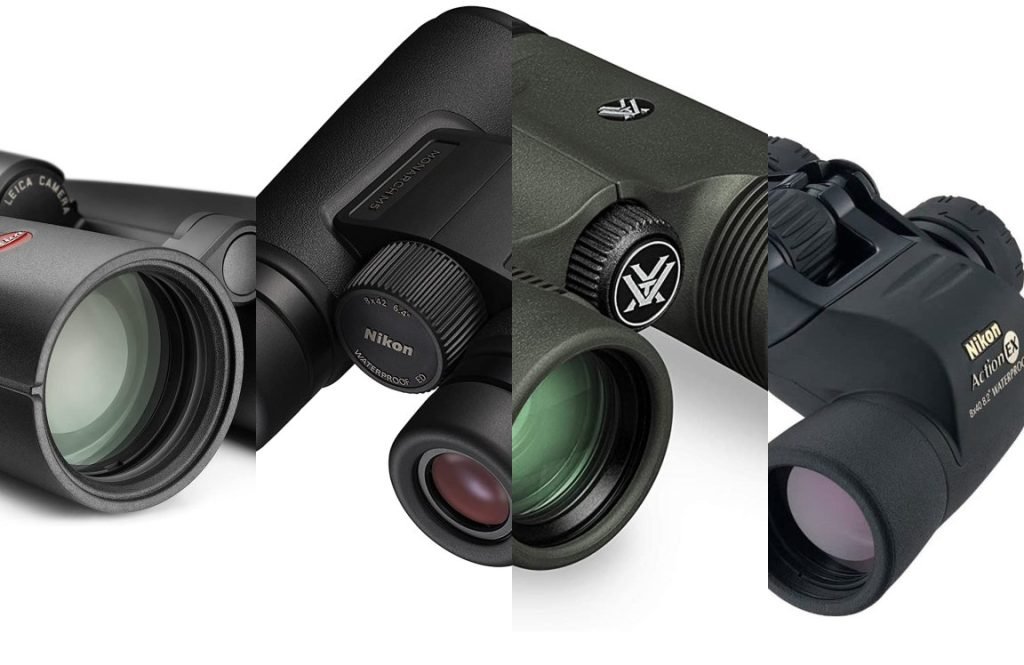
Lens coatingsreduce glare by blocking unwanted light. Multi-coated lenses help improve image clarity and brightness. Look for binoculars with anti-reflective coatingson all lens surfaces.
Lens size and shapeaffect light intake. Larger lenses gather more light but can cause more glare in bright conditions. Compact lenses reduce glare but may limit brightness. Choose a size based on hiking conditions.
| Quality of Optics | Effect on Glare |
|---|---|
| High-quality glass | Minimizes distortions and glare |
| Low-quality glass | More prone to glare and blurry images |
| Prism type (Roof vs Porro) | Roof prisms often have better coatings to reduce glare |
Adjusting Your Position
Glare often comes from direct sunlight. Try to stand with the sun behind you. This helps keep your binoculars clear and your view sharp.
Using natural shadelike trees or rocks blocks harsh light. It also reduces eye strain during long hikes.
- Face away from bright light sources.
- Use shadows to shield your eyes.
- Keep binoculars steady and aligned with your eyes.
| Viewing Angle | Effect on Glare |
|---|---|
| Low Angle (sun near horizon) | More glare; avoid direct line with sun |
| Mid Angle (sun overhead) | Less glare; easier to find shade |
| High Angle (sun behind you) | Minimal glare; best for clear viewing |
Using Accessories To Reduce Glare
Lens hoodsblock sunlight from hitting the binocular lenses directly. They help to reduce glare and improve image clarity. These hoods are easy to attach and remove. They also protect lenses from scratches and dust.
Anti-reflective filterslower the light reflection on the lens surface. These filters improve the view by cutting down glare and bright spots. They make images clearer and more comfortable to see. Filters can be fixed or removable depending on the binocular model.
Lens caps and coversprotect lenses when not in use. They stop dust, dirt, and scratches. Keeping lenses clean helps reduce glare during use. Always cover lenses after hiking or before storing your binoculars.
Cleaning And Maintenance Tips
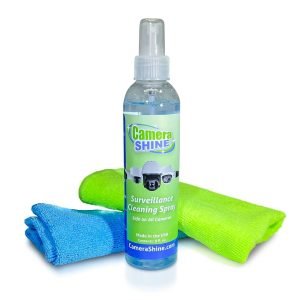
Use a soft microfiber cloth to clean lenses. Avoid paper towels or tissues as they can scratch. Gently wipe in a circular motion to remove dust and dirt.
Never use harsh chemicals or household cleaners on binocular lenses. Use lens cleaning solutions made for optics instead. Always apply solution to the cloth, not directly on lenses.
- Keep lenses covered with caps when not in use.
- Store binoculars in a padded case to protect from bumps.
- Keep the storage area dry to avoid mold or mildew.
- Do not leave binoculars exposed to direct sunlight for long periods.
Credit: www.availableonline.com.au
Practical Tips During Hiking
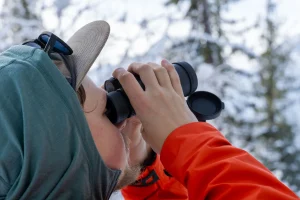
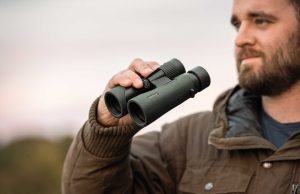
Shield the binocular lenses from sunlight using your hand. Hold your hand above the binoculars to block direct light. This simple trick reduces bright glare and helps you see clearly.
Adjusting focus quickly is important. Keep your binoculars steady and turn the focus wheel smoothly. This helps you get a sharp image fast and avoid eye strain.
Take breaks often to rest your eyes. Look away from the binoculars and blink slowly. This relaxes your eyes and reduces fatigue during long hikes.
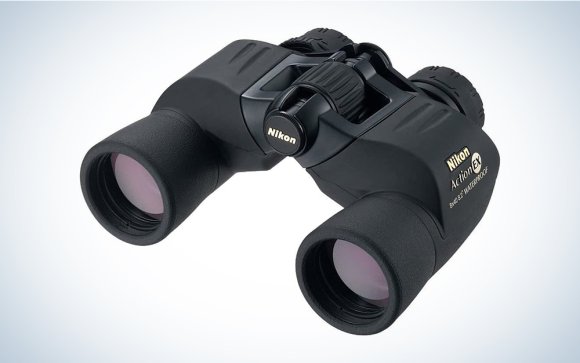
Credit: www.popsci.com
Frequently Asked Questions
How Can I Reduce Glare On Hiking Binoculars?
Use binoculars with anti-reflective coatings. Adjust the angle away from direct sunlight. Wear a hat to shade your eyes. These tips minimize glare and improve viewing clarity during hikes.
Why Do Hiking Binoculars Cause Glare?
Glare occurs when sunlight reflects off lenses or nearby surfaces. It reduces image contrast and causes eye strain. Proper lens coatings and positioning help prevent this common issue.
Are Lens Hoods Helpful For Glare Reduction?
Yes, lens hoods block stray light from hitting lenses. They reduce reflections and improve image quality. Many hiking binoculars come with built-in hoods or optional attachments.
Can Polarized Lenses Reduce Glare While Hiking?
Polarized lenses filter out reflected light, cutting glare effectively. Using polarized binoculars enhances clarity when viewing water or shiny surfaces. They are ideal for outdoor hiking conditions.
Conclusion
Avoiding glare improves your hiking binoculars’ performance greatly. Adjust the angle and use lens covers to block reflections. Choose binoculars with anti-reflective coatings for clearer views. Keep lenses clean to reduce light scatter and glare. Find shaded spots when possible to limit direct sunlight.
These simple steps help you see nature better and enjoy your hike more. Clear, glare-free vision makes every outdoor moment special.