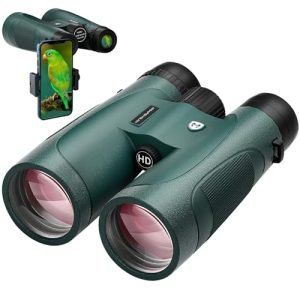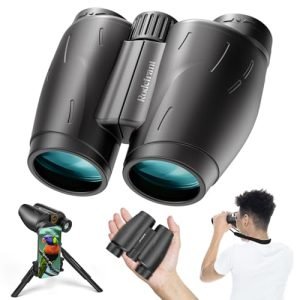
Have you ever wished you could capture distant scenes clearly with your smartphone, just like using high-powered binoculars? Imagine combining the power of surveillance binoculars with your phone’s camera to see and record details far beyond your normal reach.
In this guide, you’ll discover simple steps to connect and use your surveillance binoculars with your smartphone. Whether you’re into bird watching, security, or just curious, this technique will change how you view and share the world around you. Keep reading, and you’ll soon unlock a new way to see things more clearly than ever before.
Choosing The Right Surveillance Binoculars
Choosing binoculars that fit your smartphone’s camera helps capture clear, zoomed-in images. Attach the binoculars securely and align the phone lens with the eyepiece for steady shots. Adjust focus on both devices for sharp, detailed views during surveillance.
Key Features To Look For
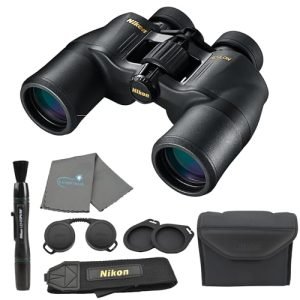
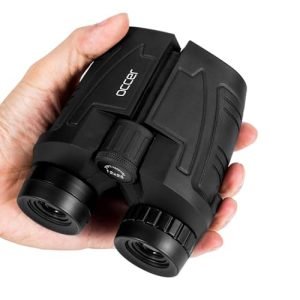
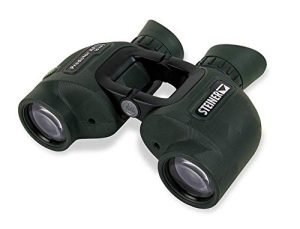
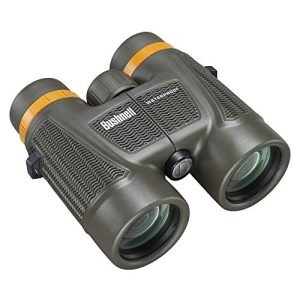
Magnificationpower is important for seeing far objects clearly. Choose binoculars with 8x to 12x magnification for good detail. Lens diameteraffects how much light enters. Bigger lenses help in low light but make binoculars heavier.
Image stabilizationhelps keep the view steady. This is useful when holding binoculars by hand. Smartphone compatibilityis key for easy attachment. Look for models with adapters or mounts for phones.
Other features include waterproofingand durabilityfor outdoor use. Compact and lightweight designs make carrying easier.
Top Brands And Models
| Brand | Model | Magnification | Special Feature | Approximate Price |
|---|---|---|---|---|
| Bushnell | Equinox Z | 6x – 18x | Night vision, smartphone adapter | $400 |
| Vortex | Viper HD | 10x | Waterproof, durable, phone mount | $600 |
| Nikon | Monarch 7 | 8x – 10x | Lightweight, waterproof | $500 |
| ATN | BinoX 4K | 4x – 16x | Digital zoom, smartphone app | $800 |

Credit: www.amazon.com
Smartphone Compatibility
Check if your smartphone has a camera that supports external lenses. Most modern smartphones work well with surveillance binoculars. Make sure your phone’s operating system is updated to avoid connection issues. Some binoculars require specific apps to work with your phone. These apps help connect and control the binoculars.
Required accessories for connecting binoculars to your smartphone include:
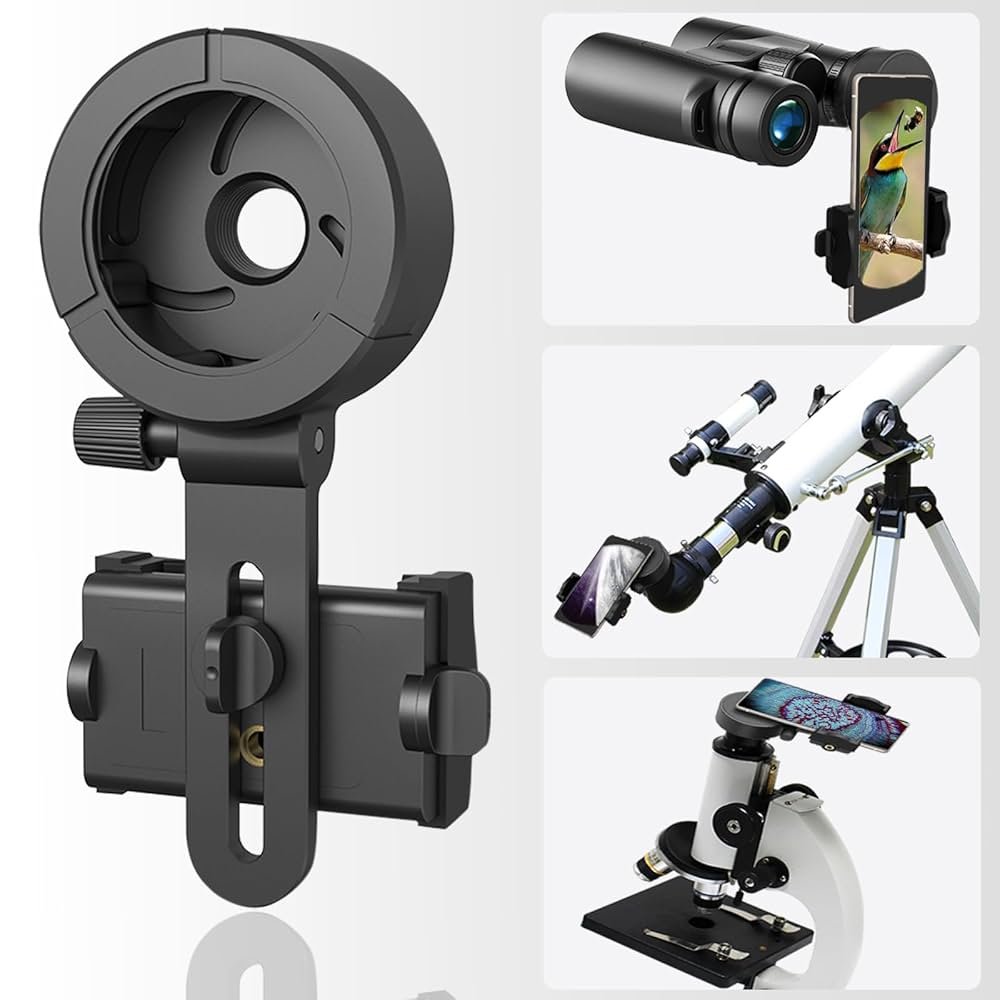
- Adapter clip:Holds the phone and binoculars together firmly.
- Mounting bracket:Provides stability during use.
- USB or Bluetooth:Used for some digital binoculars to connect wirelessly or wired.
- Compatible apps:Needed for image capture and zoom control.
Check product details before buying. Not all binoculars fit all phones. Simple setup makes using binoculars with your phone easier.
Setting Up The Connection
Attach the binoculars to your smartphone using a compatible adapter. Make sure the adapter fits both devices tightly to avoid shaking. Align the smartphone camera lens with the binocular eyepiece carefully. Tighten all screws or clamps to secure the connection.
Open the camera app on your smartphone. Adjust the focus on the binoculars for a clear image. Turn off any digital zoom on the phone to avoid blurry pictures. Enable camera stabilization if available.
- Allow camera permissions for the app
- Set camera resolution to high for better quality
- Turn off flash to prevent glare
- Use manual focus if the app supports it
- Disable screen auto-lock to avoid interruptions
Using Surveillance Binoculars Effectively
To get the best image quality, align your smartphone camera carefully with the binocular lens. Use the binocular’s focus wheel to sharpen the view before snapping a photo. Avoid digital zoom on your phone; it lowers clarity.
Keep the binoculars steady. Use a tripod or rest your elbows on a solid surface. This reduces shakingand helps keep the image clear. Tap your phone screen to focus on the subject.
- Clean lenses with a soft cloth for clear images.
- Use the binocular’s diopter adjustment for eye comfort.
- Choose good lighting; natural light works best.
- Hold your phone and binoculars firmly but gently.
Troubleshooting Common Issues
Connection problems often happen due to weak signals or wrong settings. Check if the binoculars and smartphone are paired correctly. Restart both devices to refresh the connection. Make sure Bluetooth or Wi-Fi is turned on and working well.
Keep the devices close. Distance can cause signal loss. Avoid obstacles like walls or metal objects between the binoculars and phone. Update the app and device software to fix bugs.
- Clean the binocular lenses gently to avoid smudges.
- Adjust the focus knob until the image looks sharp.
- Use the smartphone’s camera settings to change brightness and contrast.
- Hold the binoculars steady or use a tripod to reduce blur.
- Check for dirt or scratches on the lenses that may affect clarity.
Tips For Outdoor Surveillance
Weather greatly affectsusing surveillance binoculars with a smartphone. Rain can damage electronicsand blur vision. Carry a waterproof case or cover. Fog and mist reduce visibility and focus ability. Bright sunlight causes glare on screens. Use lens hoods or anti-glare screen protectors. Wind can shake the device, making images shaky. Find a stable spot or use a tripod for steadiness.
- Wear appropriate clothesfor protection and comfort.
- Protect your smartphonefrom moisture and dust.
- Check weather forecastsbefore going out.
- Use cleaning clothsto keep lenses clear.
Safety matters a lot during outdoor surveillance. Avoid risky places like steep hills or thick bushes. Always tell someone where you will be. Carry a first aid kitand a charged phone. Use binocular straps to prevent dropping. Never point the device near bright lights or aircraft. Stay alert to surroundings to avoid accidents or wildlife.
Maintaining Your Equipment
Keep your binocular lensesand smartphone screen clean for clear views. Use a soft microfiber cloth to wipe lenses gently. Avoid using rough materials that can scratch surfaces. Use a small amount of lens cleaner if needed, but never spray directly on lenses.
For the smartphone, clean the screen with a soft cloth and mild cleaner. Avoid moisture near ports and buttons. Dry hands before handling the equipment to prevent smudges.
- Store binoculars in a padded case to avoid damage.
- Keep the smartphone in a protective cover when not in use.
- Store both in a dry, cool place away from direct sunlight.
- Avoid leaving equipment in places with high humidity or extreme temperatures.
- Check and tighten any loose screws or parts on binoculars regularly.

Credit: www.yahoo.com

Credit: www.amazon.com
Frequently Asked Questions
How Do I Connect Surveillance Binoculars To A Smartphone?
To connect, use a compatible smartphone adapter or Wi-Fi feature in digital binoculars. Align the binocular lens with the phone camera. Install necessary apps to stream or capture images directly on your phone. This setup allows real-time viewing and recording through your smartphone.
Can I Record Videos With Surveillance Binoculars On My Phone?
Yes, if your binoculars have video output or Wi-Fi connectivity. Use the smartphone app provided by the binocular manufacturer. This lets you record videos or take photos through the binocular lens, enhancing your surveillance and documentation capabilities.
What Apps Work Best With Surveillance Binoculars?
Use manufacturer-specific apps designed for your binocular model. Popular apps include ones for camera control and video streaming. Ensure the app supports live viewing and recording. This improves image quality and ease of operation with your smartphone.
Are Surveillance Binoculars Compatible With All Smartphones?
Compatibility depends on the binocular model and smartphone features. Most digital binoculars support Android and iOS via Wi-Fi or adapters. Check product specifications before purchase to ensure your phone works well with the binoculars for smooth operation.
Conclusion
Using surveillance binoculars with your smartphone can boost your viewing experience. Adjust the focus and connect your phone carefully. Take steady shots and explore different angles. Practice often to get better results. Enjoy clear images and easy sharing with friends.
This simple setup can help you see far and capture moments well. Try these tips, and your outdoor adventures will become more fun and memorable. Keep learning and experimenting to improve your skills every time.