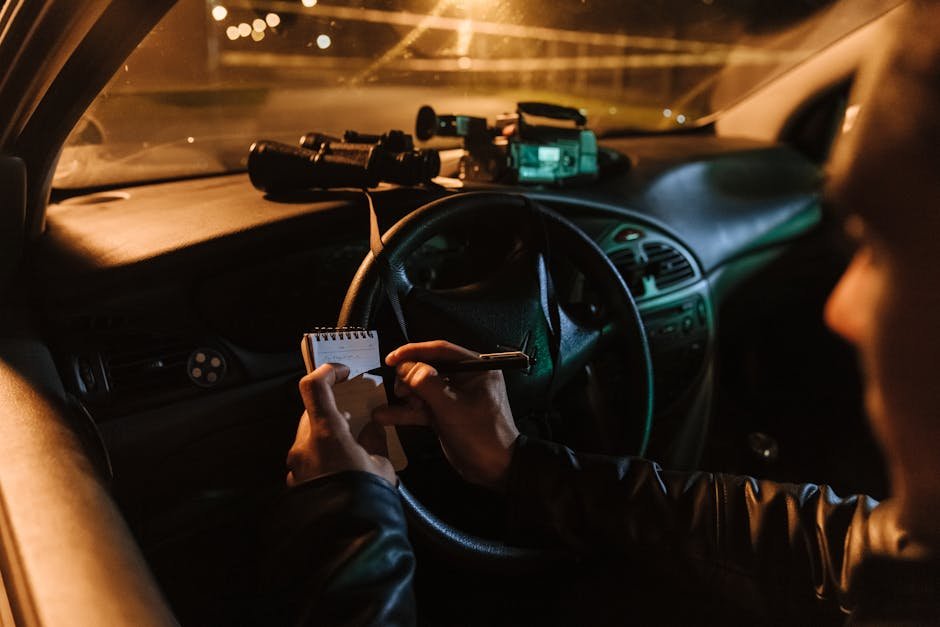
Have you ever struggled to see clearly through your binoculars when the sun goes down? Night mode on surveillance binoculars can change the way you experience low-light environments.
Imagine being able to spot details in the dark that were once invisible to you. You’ll discover simple steps to activate and use night mode effectively. By the end, you’ll feel confident and ready to enhance your night vision skills like a pro.
Keep reading to unlock the full potential of your binoculars after dark.
Night Mode Basics
Night modehelps see in very low light or darkness. It uses special sensors to catch small light sources. This makes objects clear even when it is dark outside. Night mode is used for surveillanceto watch places without light.
Using night mode means you can watch without shining a light. This helps keep the watcher hidden and avoids scaring animals or people. It also saves energy because no extra light is needed.
- Better visibilityin dark areas
- Stay hiddenwhile watching
- Save battery lifeby not using extra lights
- See movement or objects clearly at night
Credit: www.usnighthawk.com
Activating Night Mode
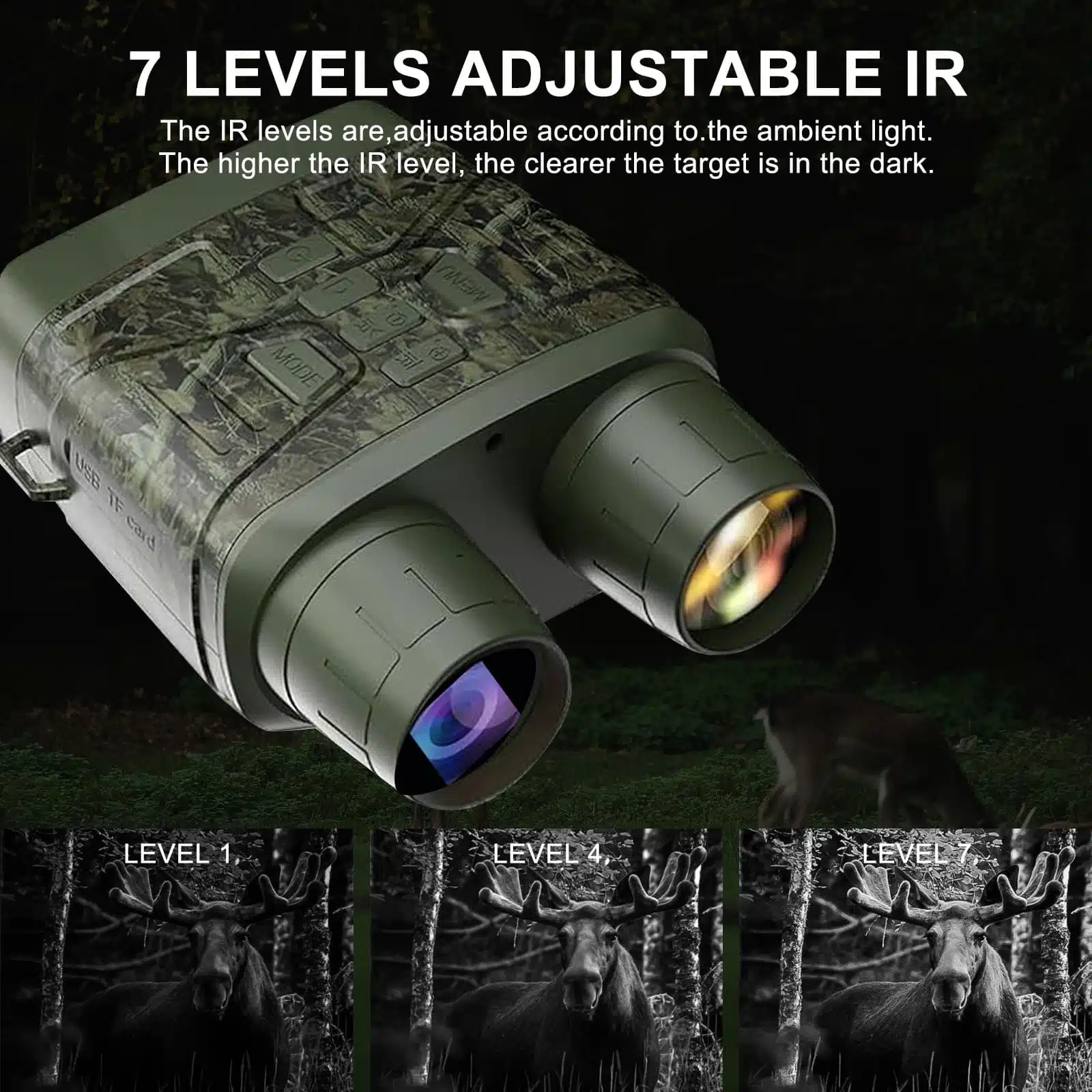
Begin by turning on the binoculars using the power button. Locate the night mode switch or button on the device. Press or slide this control to activate the night vision feature. Wait a few seconds for the image to adjust and become clearer in low light. Use the focus knob to sharpen the view as needed. Make sure the infrared light is on if your binoculars have one, as it helps you see in complete darkness.
Keep the lens clean for the best picture quality. Avoid shining bright lights directly into the binoculars, as this can damage the night mode sensors. Do not activate night mode during the daytime; it will reduce image clarity. Always turn off night mode after use to save battery life.
Optimizing Night Vision
Adjust brightnesscarefully to avoid glare. Too much brightness can blur the image. Too little brightness makes details hard to see.
Change the contrast settingsto make objects stand out. Good contrast helps separate shapes from shadows.
Try small adjustments until the image looks clear and sharp. Each night and environment may need different settings.
Enhancing image clarityimproves your ability to spot targets. Clean the lenses before use to avoid blurry views.
Use the focus knob to sharpen the view. Move it slowly until the image looks crisp.
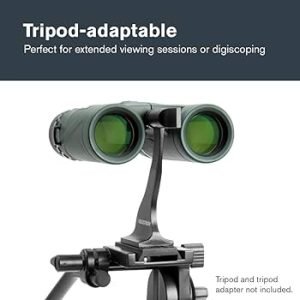
Keep hands steady or use a tripod for stable viewing. Shaky hands make the image unclear.
Check for any dirt or moisture on the lens. Wipe gently with a soft cloth if needed.
Maintenance Tips
Cleaning lenseskeeps your binoculars clear and sharp. Use a soft brush or air blower to remove dust. Gently wipe lenses with a microfiber cloth. Avoid using paper towels or clothes that can scratch. Use lens cleaning solution made for optics only.
Battery careis key for long night use. Remove batteries if not using binoculars for weeks. Store batteries in a cool, dry place. Replace old batteries to avoid leaks. Use the correct battery type recommended by the manufacturer.
Troubleshooting
Common issues with night mode on surveillance binoculars include blurry images, dim display, and device not turning on. Check if batteries are fully charged or replaced. Clean lenses gently with a soft cloth to remove dirt or smudges. Make sure the night mode switch is properly set. Restart the device if it freezes or won’t respond.
For persistent problems, check the user manual for specific troubleshooting tips. Sometimes, software updates fix bugs and improve performance. Avoid exposing the binoculars to water or extreme temperatures, which can damage internal parts.
- Seek professional help if the device won’t power on after battery check.
- Contact service if images stay blurry despite cleaning.
- Look for expert repair if night mode switch feels stuck or broken.
- Get assistance if software updates fail or cause errors.

Credit: spyassociates.com
Expert Recommendations
Choosing the right model depends on night vision qualityand battery life. Look for binoculars with infrared (IR) illuminationfor better clarity in darkness. Models with adjustable brightnesshelp avoid glare or spot details easily. Lightweight designs offer comfortduring long use. Waterproof and shockproof features add durabilityin tough conditions.
Accessories improve performance and ease of use. Common items include:
- IR illuminatorsto boost night vision range.
- Tripodsfor steady viewing.
- Protective casesto guard against damage.
- Extra batteriesfor longer surveillance time.
- Lens cleaning kitsto keep optics clear.

Credit: apps.apple.com
Frequently Asked Questions
How Do I Activate Night Mode On Surveillance Binoculars?
To activate night mode, locate the dedicated night vision button or switch on your binoculars. Press or toggle it to enable infrared or low-light vision, enhancing visibility in darkness. Always refer to the user manual for model-specific instructions.
What Are The Benefits Of Using Night Mode On Binoculars?
Night mode improves visibility in low-light or dark conditions by amplifying available light or using infrared. It allows clear observation without disturbing wildlife or alerting subjects, making it ideal for surveillance, security, and nighttime wildlife watching.
Can All Surveillance Binoculars Use Night Mode Effectively?
Not all binoculars have night mode. Only models with built-in infrared or light amplification technology support it. Check product specifications before purchase to ensure night vision capability fits your surveillance needs.
How Does Infrared Night Mode Work In Binoculars?
Infrared night mode uses invisible IR light to illuminate dark scenes. The binoculars capture this light, creating a visible image even in total darkness. This allows discreet observation without visible light that might reveal your position.
Conclusion
Using night mode on surveillance binoculars makes viewing in darkness clear. Adjust the settings carefully for the best night vision experience. Keep the lenses clean to avoid blurry images at night. Practice using the binoculars in different dark conditions to improve your skills.
Night mode helps you see details not visible with normal sight. Trust your eyes, stay patient, and use these tips often. Night surveillance becomes easier and safer with simple steps. Your night observations will improve steadily over time.