Have you ever wished you could capture the amazing views you see through your hiking binoculars right on your smartphone? Combining your binoculars with a smartphone adapter can make that possible—and it’s easier than you think.
In this guide, you’ll discover simple steps to connect your binoculars to your phone, so you never miss a chance to snap or share those stunning moments. Keep reading, and you’ll learn how to turn your hiking experience into unforgettable photos and videos with just a few easy adjustments.

Credit: www.youtube.com
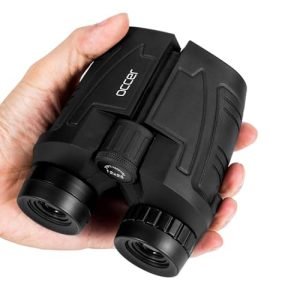
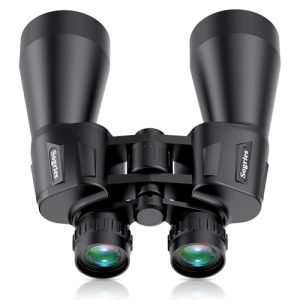
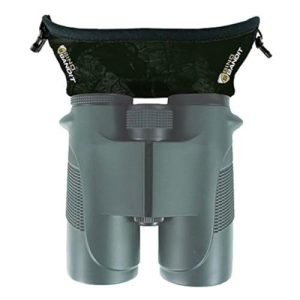
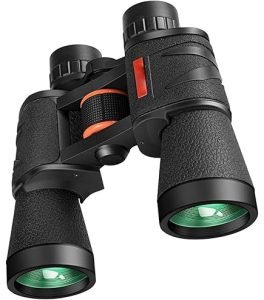
Choosing The Right Binoculars
Magnification and lens sizeaffect how far and clear you see. Higher magnification shows distant objects better but can shake your view. Larger lens size lets in more light. This makes images brighter, especially in low light.
Durability and weather resistanceare key for outdoor use. Choose binoculars with waterproofand fog-prooffeatures. They last longer in rain or cold weather. Rubber coating helps protect against drops and rough use.
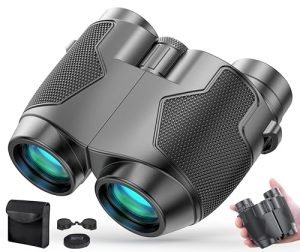
Weight and portabilitymatter for hiking comfort. Lightweight binoculars cause less arm strain. Compact size fits easily in bags or pockets. Balance between size and performance is important for long trips.
Selecting A Smartphone Adapter
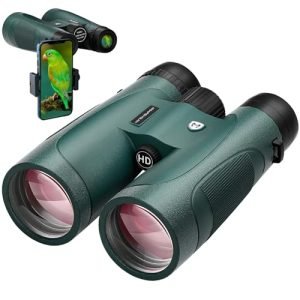
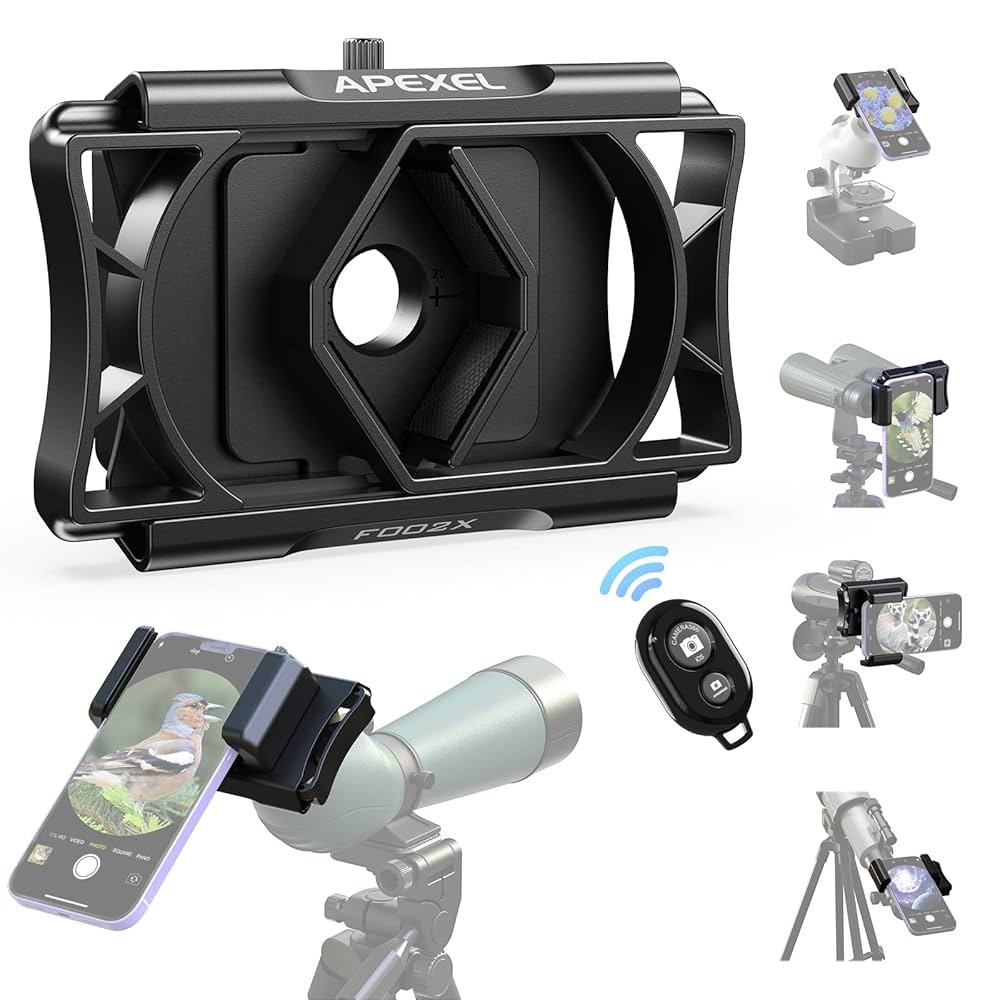
Select an adapter that fits your smartphone model. Check if it works with your phone’s size and camera position. Some adapters suit only certain brands or models. Choose one that is easy to attach and remove. This saves time during hikes and reduces frustration.
Look for adapters with strong grips. They should hold the phone steady on the binoculars. Adjustable parts help align the phone camera with the binocular lens. Stability is key to clear photos and videos.
| Feature | What to Check |
|---|---|
| Compatibility | Fits phone size and camera location |
| Installation | Quick and easy to attach/remove |
| Adjustability | Aligns phone camera with binocular lens |
| Stability | Strong grip, holds phone steady |
Setting Up Your Equipment
Start by firmly attaching the smartphone adapterto your binoculars. Ensure it fits securelyand does not wobble. The adapter should line up with the binocular lens without gaps.
Secure your smartphone in the adapter’s clamp. Check that it holds the phone tightlybut without damage. Adjust the clamp size to fit your phone’s width.
Align the smartphone camera lens with the binocular lens. Move the phone slightly until the camera view is centered through the binoculars. Use the phone screen to fine-tunethe alignment.
- Make sure the camera lens is cleanbefore attaching.
- Check for any light leaks between the phone and binoculars.
- Tighten all screws or clamps to avoid shifting during use.

Credit: www.amazon.com
Capturing The Perfect Shot
Adjust the binocular focus slowly to get a clear image. Use the zoom feature carefully to avoid blurring. Ensure the smartphone camera lens aligns perfectly with the binocular eyepiece for the best view.
Lighting affects photo quality a lot. Choose bright but soft light to avoid harsh shadows. Avoid direct sunlight on the lens to prevent glare. Shade or cloudy days often work well for clear pictures.
- Use the smartphone camera’s timer to reduce shake.
- Try different camera modes like HDR or night mode based on light.
- Tap the screen to focus on the subject inside the binocular view.
- Keep the phone and binoculars steady using both hands or a tripod.
Troubleshooting Common Issues
Alignment problems often happen when the binocular lens and smartphone camera don’t line up. Adjust the adapter slowly until the lenses match. Tighten the screws or clamps to keep everything steady. Use soft padding if the adapter feels loose or wobbly.
Blurry images usually mean the focus is off. Check both the binocular and phone camera focus. Move the phone or binocular slightly to find the sharpest view. Clean the lenses gently to remove dirt or smudges that blur the image.
Adapter slippage can spoil your shot. Make sure the adapter fits your phone model properly. Tighten any straps or clamps securely but avoid over-tightening to prevent damage. Use rubber grips or anti-slip tape for extra hold if needed.
Maintaining Your Equipment
Keep your binoculars and smartphone adapterclean to get clear images. Use a soft, dry cloth to wipe lenses gently. Avoid using harsh chemicals or paper towels that can scratch lenses.
Protect both devices from dust, moisture, and impacts. Carry them in padded cases during travel. Avoid dropping or placing heavy items on top.
| Storage Tips | Details |
|---|---|
| Keep Dry | Store in a dry place to prevent mold and rust. |
| Avoid Sunlight | Keep away from direct sunlight to protect lens coatings. |
| Use Cases | Use padded cases or bags for safe storage. |
| Check Regularly | Inspect equipment often for dust or damage. |
Enhancing The Hiking Experience
Hiking binoculars with smartphone adapters help you see far places clearly. They make distant views sharp and close. You can explore hills, valleys, and forests better.
Use the binoculars to watch birds and animals quietly. Capture clear pictures of wildlife without getting too close. It helps you learn about nature safely.
Sharing your adventure is easy by attaching your phone. Take photos or videos through the binoculars. Show friends and family the beauty you find on hikes.

Credit: www.amazon.com
Frequently Asked Questions
How Do Smartphone Adapters Enhance Hiking Binoculars?
Smartphone adapters connect your phone to binoculars, allowing clear, zoomed-in photos. They improve image stability and capture distant views easily during hikes.
Can I Use Any Smartphone With Hiking Binocular Adapters?
Most adapters fit various smartphones, but check compatibility first. Ensure your phone’s camera aligns well with the binocular lens for best results.
What Is The Best Way To Attach A Smartphone Adapter?
Secure the adapter firmly to the binocular eyepiece. Align the phone camera carefully with the binocular lens to avoid blurry images.
How Do I Stabilize Images While Using Binoculars With Adapters?
Use a tripod or steady surface to reduce shaking. Hold both binoculars and phone firmly for sharper photos during hikes.
Conclusion
Using hiking binoculars with smartphone adapters makes nature viewing simple and fun. You can easily capture clear, close-up photos of distant wildlife and landscapes. Just attach the adapter, align your phone camera, and start snapping. Practice helps improve your shots and makes the process quicker.
Enjoy your hikes more by combining these tools to see and save amazing moments. Keep exploring and sharing your outdoor experiences with friends and family. This method adds a new way to enjoy the great outdoors without extra heavy gear.