Are you struggling to get a clear view through your binoculars? Adjusting the zoom correctly can make all the difference between a blurry image and a sharp, detailed scene.
Whether you’re birdwatching, hiking, or enjoying a sports event, knowing how to fine-tune your binoculars will instantly improve your experience. In this guide, you’ll learn simple steps to adjust your zoom like a pro, ensuring every sight is crisp and focused.
Keep reading, and you’ll never miss a detail again.
Choosing The Right Binoculars
Magnification levelstell how close objects appear through binoculars. A 10x magnification means objects look 10 times nearer. Higher magnification is not always better. It can make images shaky and blurry.
Lens qualityaffects how clear and bright images look. Good lenses use special coatings to reduce glare and improve light. Look for binoculars with multi-coated lenses for the best view.
| Magnification | Use | Pros | Cons |
|---|---|---|---|
| 7x – 10x | Birdwatching, sports | Stable, bright image | Less zoom |
| 12x – 15x | Hunting, stargazing | More zoom | Image shake, dimmer |
Focusing Basics
The central focus wheelhelps to adjust both lenses together. Turn it slowly until the image looks clear. This wheel controls the sharpness for both eyes at once. Start by focusing on a distant object. Keep turning until the view is crisp and easy to see.
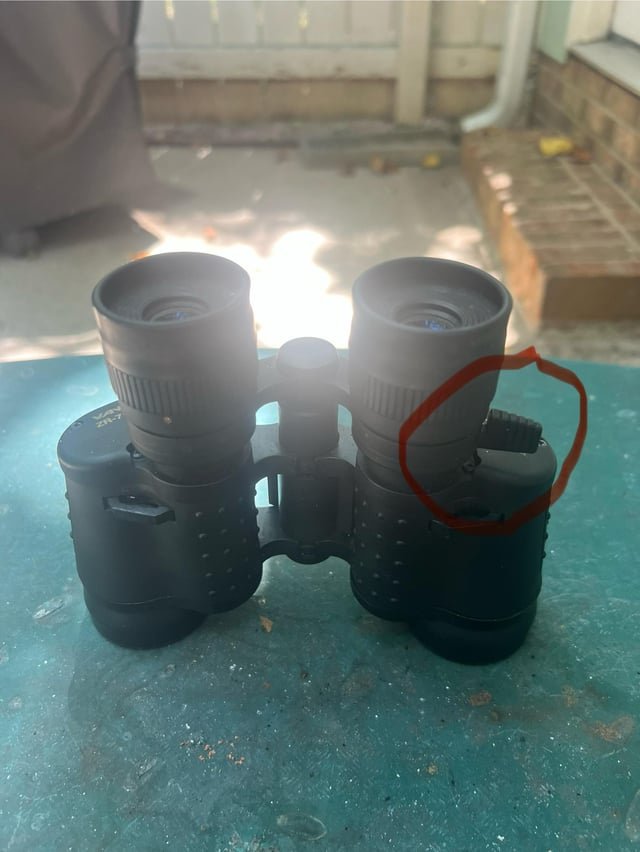
The diopter adjustmentfine-tunes one eye to match the other. Usually, it is on the right eyepiece. Close the eye on the side with the diopter. Use the central wheel to focus with the other eye. Then, open both eyes and adjust the diopter until the image is perfectly clear in both eyes.
Step-by-step Zoom Adjustment
Start by holding the binoculars steady. Look through the eyepieces at a distant object.
Turn the zoom ring slowly. Stop when the image looks clear and close enough.
- Hold binoculars steady with both hands.
- Focus on a far object.
- Rotate the zoom ring gently.
- Stop when the image is clear.
Next, adjust the focus for sharpness. Use the center focus wheel or knob.
Look through the binoculars with both eyes open.
- Close your right eye.
- Use the left eyepiece to focus on the object.
- Then close your left eye.
- Adjust the right eyepiece until clear.
- Open both eyes and fine-tune the center focus.
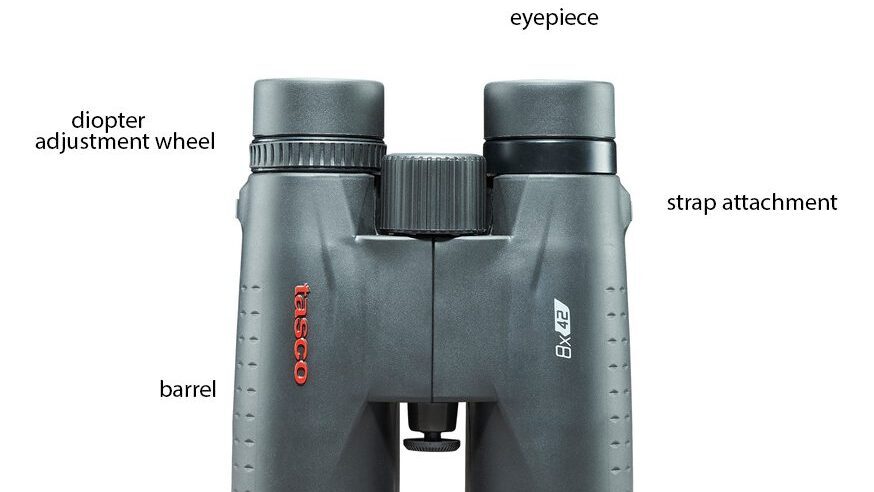
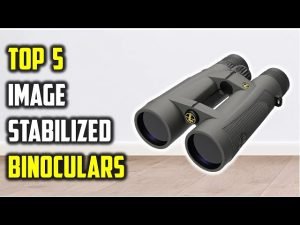
Credit: bringbinoculars.com
Common Mistakes To Avoid
Overusing the zoomcan cause blurry or shaky images. Zooming in too much reduces the brightness and clarity. Keep the zoom at a level where the view stays clear and steady. Excessive zooming tires your eyes quickly.
Ignoring eye reliefmeans not adjusting the binoculars for your eyes. Eye relief is the distance from the eyepiece to your eyes. Too close or too far makes the image dark or cuts off parts of the view. Adjust the eyecups or the distance until you see the full image comfortably.
Maintaining Optimum Performance
Keep binoculars clean to maintain clear vision. Use a soft cloth to wipe lenses gently. Avoid touching lenses with fingers to prevent smudges. Store binoculars in a dry place to stop moisture damage. Use a lens cover when not in use to protect from dust and scratches.
Regularly check the focus and zoom settings. Adjust them to match your eyesight for better clarity. Calibration helps binoculars work at their best performance. If images look blurry, recalibrate to fix the problem quickly.

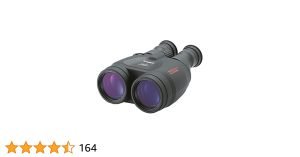
Credit: zarimex.eu
Expert Recommendations
Top binocular brandsare known for quality and durability. Brands like Nikon, Bushnell, and Celestron offer reliable products. These brands provide clear images and easy zoom adjustments.
Features to look forinclude:
- Adjustable eye cups for comfort
- Central focusing wheel for quick zoom
- Diopter adjustment to sharpen images
- Waterproof and fog proof designs
- Lightweight and compact build
Choosing binoculars with these features ensures better viewing experience. Smooth zooming and sharp focus make a big difference.

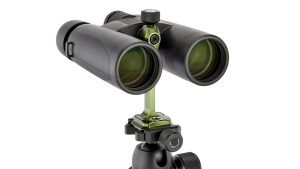
Credit: mohonkpreserve.medium.com
Frequently Asked Questions
How Do I Focus Binoculars For Clear Vision?
Adjust the central focus wheel until the image is sharp. Then, use the diopter ring to fine-tune for one eye. This ensures both eyes see clearly and reduces strain during use.
What Is The Correct Way To Adjust Zoom On Binoculars?
Use the zoom lever or ring gently to change magnification. Start at the lowest zoom and gradually increase for a stable image. Avoid sudden zoom changes to maintain clarity.
Can I Adjust Zoom And Focus Simultaneously On Binoculars?
No, adjust focus first for clarity, then change zoom. Focusing at each zoom level ensures the image stays sharp and reduces eye fatigue during observation.
Why Is The Diopter Adjustment Important On Binoculars?
The diopter compensates for differences between your eyes. Adjusting it ensures both eyes see a clear, balanced image. This customization improves viewing comfort and accuracy.
Conclusion
Adjusting the zoom on binoculars is simple with practice. Start by setting the focus for each eye. Then, use the zoom ring to see objects clearly. Take your time to avoid blurry views. Clear images make your experience better. Keep your hands steady while adjusting.
Remember, each binocular model may differ slightly. Try different settings to find what works best. Enjoy watching nature or distant scenes with ease. Small steps lead to great viewing moments.