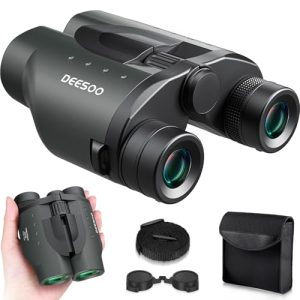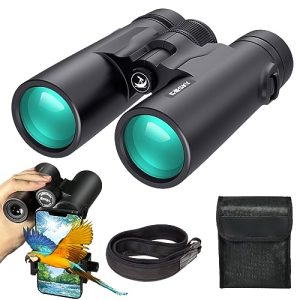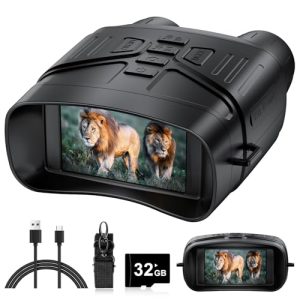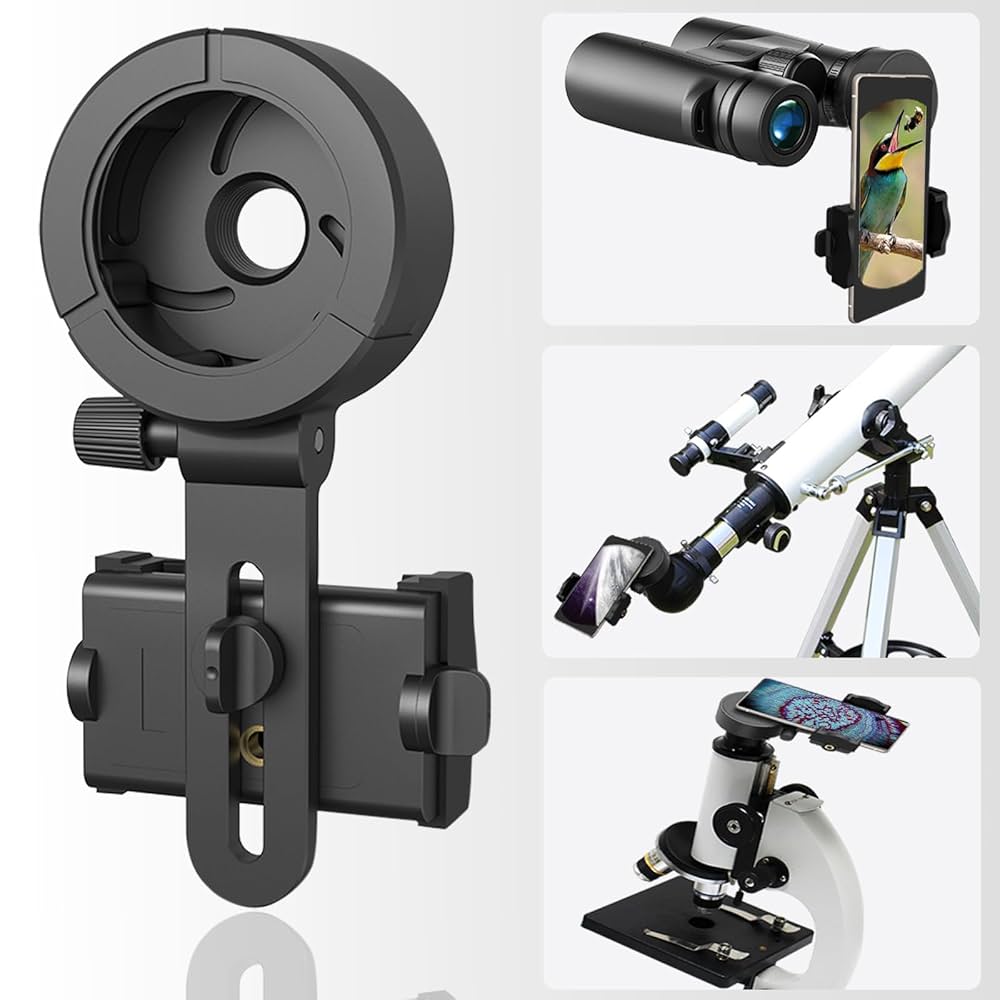
Are you curious about making your surveillance binoculars smarter? Imagine being able to see distant details clearly and instantly share what you see with your smartphone.
But can surveillance binoculars actually connect to your phone? If you’ve ever wondered how to combine powerful optics with the convenience of your mobile device, this article is for you. Keep reading to discover how this technology works, what benefits it offers, and whether it’s the right choice for your needs.
Your next level of viewing might be closer than you think.
Surveillance Binoculars Basics
Surveillance binoculars help people see far places clearly. They are used to watch quietly without being noticed. These binoculars often have special features for better viewing.
Many wonder if these binoculars can connect to smartphones. This connection can help share images or videos easily. Understanding the basics is important before learning about connectivity.
Key Features
Surveillance binoculars have several key features. These features help users see better and record what they observe. The main features include zoom, night vision, and image stabilization.
- High zoom levels to see distant objects clearly
- Night vision for viewing in low light
- Image stabilization to reduce shaking
- Built-in cameras for photos and videos
- Some models offer Wi-Fi or Bluetooth to connect devices
Common Uses
People use surveillance binoculars in many ways. They are helpful for security, wildlife watching, and outdoor activities. These binoculars allow users to record or share what they see.
| Use | Description | Smartphone Connection |
| Security | Monitor areas for safety or suspicious activity | Some models connect for live video streaming |
| Wildlife Watching | Observe animals without disturbance | Allows sharing photos and videos on the go |
| Outdoor Adventures | Explore and document landscapes or events | Enable easy transfer of images to smartphones |
Smartphone Connectivity Options
Surveillance binoculars can connect to smartphones to share images and videos. This helps users see better and save their observations.
There are different ways to connect these binoculars to smartphones. Some use wireless technology, while others need a physical cable.
Wi-fi And Bluetooth Integration
Many surveillance binoculars use Wi-Fi or Bluetooth to link with smartphones. This lets you control the binoculars remotely and view live footage.
Wi-Fi offers a strong connection and works well for streaming videos. Bluetooth uses less power and is good for sending small files.
- Wi-Fi connects binoculars to phone apps for live view.
- Bluetooth pairs devices for quick photo transfers.
- Wireless links allow remote control of zoom and focus.
- Some models require an app to manage connections.
Wired Connections
Wired connections use cables like USB or HDMI to link binoculars to smartphones. These connections provide stable data transfer without delays.
Cables can charge the binoculars while connected. They are useful in places with weak wireless signals or for longer use sessions.
- USB cables transfer images and videos directly.
- HDMI cables send high-quality video to smartphones.
- Wired links avoid interference from other devices.
- Some binoculars need adapters for smartphone ports.
Compatible Binocular Models
Connecting surveillance binoculars to smartphones allows easy photo and video capture. Not all binoculars support smartphone connectivity. Knowing which models work helps buyers choose right devices.
This guide covers popular brands that support smartphone connection. It also compares affordable and high-end models for compatibility and features.
Popular Brands With Smartphone Support
Several brands offer binoculars that connect with smartphones using Wi-Fi, Bluetooth, or cables. These binoculars often include apps for live viewing and media sharing.
- ATN offers smart binoculars with built-in Wi-Fi and app control.
- Bushnell provides models with digital displays and smartphone apps.
- Nikon’s digital binoculars support image transfer to phones.
- Vortex has select models with smartphone compatibility through adapters.
Affordable Vs. High-end Models
Affordable binoculars usually offer basic smartphone support. High-end models provide advanced features and better image quality.
| Feature | Affordable Models | High-End Models |
|---|---|---|
| Smartphone Connectivity | Basic Wi-Fi or cable link | Wi-Fi, Bluetooth, and app integration |
| Image Quality | Standard resolution | High resolution with night vision |
| Build Quality | Plastic and lightweight | Durable metal and weatherproof |
| Price Range | Under $500 | Over $1000 |

Credit: www.amazon.com
Apps For Binocular Integration
Many modern surveillance binoculars can connect to smartphones. This helps users see clearer images on bigger screens. Apps make this connection easy and add useful tools.
These apps allow you to record videos, take pictures, and adjust settings from your phone. They improve the binocular experience and make surveillance more flexible.
Features To Look For
Choose apps that have simple controls and clear images. The app should connect quickly with your binoculars without lag. It is important to have good video and photo quality.
Look for apps with zoom control, brightness adjustment, and night vision support. Some apps offer GPS tagging and sharing options. These features make your work easier and better.
- Easy pairing with binoculars
- High-quality video and photos
- Zoom and brightness controls
- Night vision mode support
- GPS location tagging
- Options to share images and videos
Top Apps Available
Several apps work well with surveillance binoculars. Many brands have their own apps for best compatibility. Some third-party apps work with multiple devices.
- Binocular Viewer:Easy to use and supports photo and video capture.
- Night Vision Camera:Good for low light and night surveillance.
- SmartScope:Offers zoom and brightness controls with GPS tagging.
- CamBinocular:Works with many brands and allows sharing images quickly.
Benefits Of Smartphone Connection
Surveillance binoculars that connect to smartphones offer many useful features. This connection makes using binoculars easier and more effective.
By linking to a smartphone, users can improve viewing, record what they see, and share it quickly.
Enhanced Viewing Experience
Connecting binoculars to a smartphone gives a bigger and clearer view on the phone screen. It helps users see details that might be missed through the small binocular lens.
Smartphone apps often include zoom, brightness, and focus controls. These settings improve image quality and make viewing more comfortable.
- View a larger image on the phone screen
- Adjust zoom and focus easily
- Use night vision or filters through apps
- Share the live view with others nearby
Recording And Sharing Capabilities
Smartphone connection allows users to record photos and videos directly from the binoculars. This feature helps document important sightings or events.
Users can quickly share recordings via messaging or social media without extra equipment. This saves time and effort after observing.
- Capture high-quality photos and videos
- Save files directly on the smartphone
- Share content easily with friends or colleagues
- Use apps to edit or organize recordings

Credit: www.amazon.co.jp
Challenges And Limitations
Surveillance binoculars with smartphone connection offer many benefits. They allow users to view and record images easily. Still, there are some challenges and limits to consider.
These problems can affect how well the binoculars work with your phone. Understanding them helps you make a better choice.
Compatibility Issues
Not all surveillance binoculars connect smoothly to every smartphone. Different brands use different software and connection types.
This can cause problems like apps not working or video feeds not showing on your phone.
- Different operating systems may not support the binocular app.
- Some binoculars need special apps that are not easy to install.
- Connection types like Wi-Fi or Bluetooth may not match your phone’s features.
- Older smartphones might not handle live video streaming well.
Battery Life Concerns
Battery life is a big limitation for surveillance binoculars linked to smartphones. Using cameras and wireless connections drains power fast.
Short battery life can stop your work early or leave you without video when needed.
- Continuous video streaming uses more battery than normal viewing.
- Smartphone and binocular batteries both run out quickly when connected.
- Charging options may be limited in outdoor or remote areas.
- Replacing batteries is not always easy during use.
Future Trends In Surveillance Binoculars
Surveillance binoculars are changing fast with new technology. They now connect better with other devices.
These changes make it easier to use binoculars with smartphones and other smart tools for better viewing.
Advances In Connectivity
Modern binoculars often have Wi-Fi and Bluetooth to link with phones and tablets. This helps send images quickly.
- Real-time video streaming to mobile devices
- Remote control of binocular settings via apps
- Cloud storage for saving photos and videos
- Faster data transfer with new wireless standards
Integration With Smart Devices
Smartphones can now pair with binoculars to improve usability. Users can zoom, focus, and capture images from their phone screen.
| Feature | Benefit |
| App Control | Adjust binocular settings remotely |
| Image Sharing | Quickly share photos on social media |
| GPS Tagging | Mark exact location of sightings |
| Night Vision Sync | Enhance night viewing with phone display |

Credit: www.amazon.ca
Frequently Asked Questions
Can Surveillance Binoculars Connect Directly To Smartphones?
Some surveillance binoculars have built-in Wi-Fi or Bluetooth, allowing direct connection to smartphones. This enables live streaming and image transfer seamlessly. However, not all models support this feature, so check specifications before purchase.
What Apps Work With Smartphone-connected Binoculars?
Many manufacturers offer proprietary apps for binocular connectivity. These apps allow remote control, live viewing, and media sharing. Popular third-party apps may also support some models, enhancing user experience and functionality.
Do Connected Binoculars Drain Smartphone Battery Quickly?
Streaming video and transferring data can consume significant smartphone battery. Using connected binoculars may shorten battery life, especially during extended use. Carrying a power bank is advisable for long observation sessions.
Is Image Quality Affected When Using Binoculars With Smartphones?
Image quality depends on the binocular’s optics and smartphone camera integration. High-end models maintain excellent clarity and detail. Some loss may occur due to digital processing, but overall quality remains suitable for most users.
Conclusion
Connecting surveillance binoculars to smartphones is possible and practical. It enhances the viewing experience. Users enjoy better control and data sharing. Compatibility depends on the binocular model. Some models offer direct smartphone connectivity. Others may need adapters or special apps.
Research is key before purchasing. Ensure the binoculars meet your needs. Consider image quality and ease of use. This technology can boost your surveillance tasks. It makes viewing and sharing information easier. Always check user reviews for insights. This ensures you choose the right product.
Enhanced connectivity adds value to your surveillance efforts.