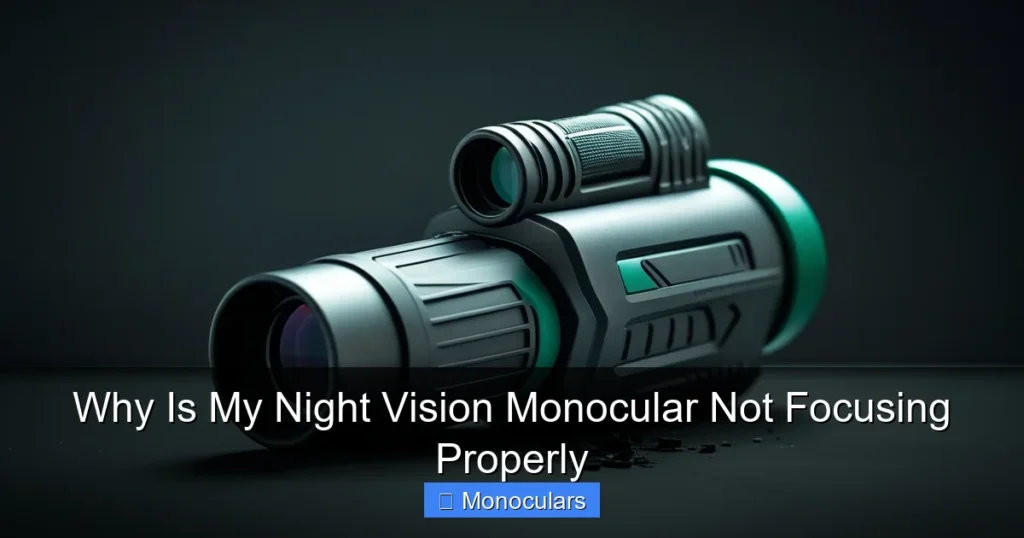
If your night vision monocular isn’t focusing properly, it’s often due to user error, environmental factors, or device issues. This guide breaks down the most common reasons—like incorrect diopter adjustment or dirty lenses—and offers simple, practical solutions to get your monocular back in top shape.
Key Takeaways
- Improper diopter adjustment: Many users skip this step, but it’s essential for sharp focus. Adjust the diopter ring until the image is crisp.
- Dirty or fogged lenses: Smudges, dust, or internal fogging can blur your view. Clean lenses gently and store the monocular in a dry place.
- Low ambient light: Night vision needs some light to work. Use an IR illuminator in total darkness for better clarity.
- Incorrect focus ring use: Turning the focus ring too far or too fast can overshoot the sweet spot. Make slow, small adjustments.
- Eye relief mismatch: If you wear glasses, ensure the monocular has adjustable eye relief or use it with corrective lenses.
- Battery or power issues: Weak batteries can reduce image brightness and focus performance. Always use fresh, high-quality batteries.
- Device damage or defects: Drops, moisture, or manufacturing flaws may require professional repair or replacement.
📑 Table of Contents
Why Is My Night Vision Monocular Not Focusing Properly?
You’re out on a night hike, scanning the woods for wildlife, or checking your property after dark. You pull out your night vision monocular, flip it on, and… the image is blurry, fuzzy, or just not sharp. Frustrating, right? You know your device worked fine last time. So why is your night vision monocular not focusing properly?
You’re not alone. Focus issues are one of the most common complaints among night vision users—whether you’re a hunter, security professional, or nature enthusiast. The good news? Most focus problems aren’t due to broken gear. In fact, they’re often caused by simple mistakes or overlooked settings that anyone can fix.
In this guide, we’ll walk you through the most common reasons your night vision monocular isn’t focusing as it should. We’ll cover everything from basic adjustments to environmental factors and hardware issues. By the end, you’ll know exactly how to troubleshoot and restore clear, crisp vision—no matter the lighting conditions.
Understanding How Night Vision Monoculars Work
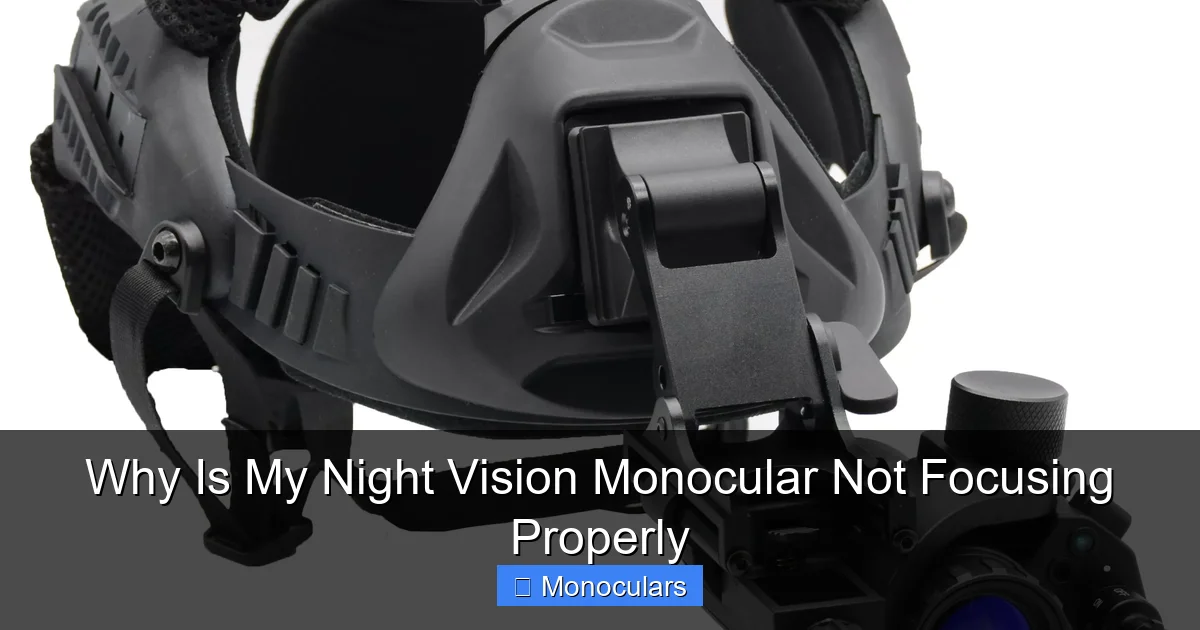
Visual guide about Why Is My Night Vision Monocular Not Focusing Properly
Image source: imrorwxhmjnklm5p-static.micyjz.com
Before diving into fixes, it helps to understand how night vision monoculars actually function. Unlike regular binoculars or monoculars that rely solely on visible light, night vision devices amplify available light—such as moonlight, starlight, or infrared (IR) light—to create a visible image.
Most consumer-grade night vision monoculars use image intensifier tubes (IITs) or digital sensors. These technologies convert low-light photons into electrons, amplify them, and then project a green-hued image onto a phosphor screen. The result? You can see in near-total darkness.
But here’s the catch: just like a camera, a night vision monocular needs proper focus to produce a sharp image. The focus isn’t automatic. You have to adjust it manually using the focus ring and diopter settings. And because you’re working in low light, it’s easy to miss the optimal focus point—especially if you’re in a hurry or unfamiliar with the device.
The Role of Focus in Night Vision
Focus determines how clearly objects appear at different distances. If your monocular is focused for 50 feet but you’re looking at something 10 feet away, the image will appear blurry. That’s normal. But if nothing looks sharp—no matter how you adjust the focus ring—then something else is going on.
Also, remember that night vision images are inherently less detailed than daytime views. The grainy, green-tinted image is normal. But if it’s excessively blurry or distorted, that’s a sign something needs fixing.
Common Causes of Focus Problems
Now that you understand how night vision works, let’s look at the most common reasons your monocular might not be focusing properly. Many of these are easy to fix with a little know-how.
1. Incorrect Diopter Adjustment
The diopter is a small ring near the eyepiece that adjusts for your individual eyesight. It’s especially important if you have mild nearsightedness, farsightedness, or astigmatism. Many users ignore this setting, assuming it’s not needed—but that’s a big mistake.
To set the diopter correctly:
– Point the monocular at a distant object in daylight (even a dimly lit wall works).
– Close your non-dominant eye.
– Turn the diopter ring slowly until the image is sharp.
– Don’t touch it again unless you switch users.
If you skip this step, your night vision image will never be in perfect focus—even if the main focus ring is set correctly.
2. Dirty or Fogged Lenses
Smudges, fingerprints, dust, or moisture on the lenses can scatter light and blur the image. This is especially noticeable in low-light conditions, where every bit of clarity counts.
To clean your lenses:
– Use a microfiber cloth designed for optics.
– Blow away loose dust with a blower brush first.
– Apply a small drop of lens cleaner if needed—never spray directly on the lens.
– Wipe gently in a circular motion.
Also, check for internal fogging. If the inside of the lens fogs up when moving from cold to warm environments, it could indicate a seal failure. Store your monocular in a dry, temperature-stable place and consider using desiccant packs.
3. Low Ambient Light Conditions
Night vision doesn’t work in total darkness. It needs some light to amplify. If you’re in a pitch-black forest or basement with no moonlight or artificial light, your monocular may struggle to produce a clear image.
Solution? Use an IR (infrared) illuminator. Most night vision monoculars have a built-in IR LED or support an external one. This invisible light source “lights up” the scene for your device, dramatically improving focus and detail.
For example, if you’re scanning a backyard at night, turn on the IR illuminator. Suddenly, trees, fences, and animals become much clearer. Without it, your monocular is essentially “blind.”
4. Improper Use of the Focus Ring
The focus ring adjusts the distance at which objects appear sharp. But many users turn it too quickly or too far, overshooting the ideal setting.
Here’s how to do it right:
– Start with the focus ring at the middle position.
– Look at a target 20–30 feet away.
– Turn the ring slowly in one direction until the image sharpens.
– If it gets blurrier, reverse direction.
– Make small, incremental adjustments.
Pro tip: Focus on high-contrast edges—like the corner of a building or the edge of a tree trunk. These are easier to judge for sharpness than flat surfaces.
5. Eye Relief and Glasses Compatibility
Eye relief is the distance between your eye and the eyepiece where the full image is visible. If you wear glasses, you need sufficient eye relief—usually 15mm or more—to see the entire field of view.
If your monocular has short eye relief, you’ll see only a small circle of light in the center. This can make focusing difficult and uncomfortable.
Solution:
– Use a monocular with adjustable eye cups (fold-down or twist-up).
– Remove your glasses and adjust the diopter instead.
– Or choose a model designed for glasses wearers.
Some high-end models even have diopter compensation built in, so you can wear your glasses and still get a sharp image.
Environmental and Usage Factors
Sometimes, the problem isn’t with the monocular—it’s with the environment or how you’re using it.
Weather and Humidity
High humidity, rain, or extreme temperature changes can affect performance. Moisture can condense inside the device, fogging the lenses or damaging internal components.
If you’re using your monocular in cold weather, let it acclimate slowly when moving indoors. Sudden temperature shifts cause condensation.
Also, avoid using it in heavy rain unless it’s rated waterproof (look for IPX4 or higher). Even then, prolonged exposure can cause issues.
User Fatigue and Expectations
Your eyes play a big role in focus. If you’re tired, stressed, or squinting, you might misjudge sharpness. Also, remember that night vision images are never as crisp as daytime views. Setting realistic expectations helps.
Try this: During the day, practice focusing on distant objects. Get familiar with how the focus ring feels and how the image changes. This muscle memory will help when you’re using it at night.
When It’s a Hardware Issue
If you’ve tried all the above and your night vision monocular still isn’t focusing, it might be a hardware problem.
Battery or Power Problems
Weak or dying batteries can reduce image brightness and make focusing difficult. Always use fresh, high-quality alkaline or lithium batteries. Rechargeable NiMH batteries can work, but they often provide lower voltage, which affects performance.
Check the battery compartment for corrosion. Clean it with a cotton swab and rubbing alcohol if needed.
Physical Damage or Defects
Drops, impacts, or manufacturing flaws can misalign internal components. If the focus ring feels loose, stuck, or gritty, or if the image is consistently distorted, the device may be damaged.
Signs of damage include:
– Image tilt or curvature
– Dark spots in the view
– Inconsistent brightness
– Focus that won’t stay set
If you suspect damage, contact the manufacturer. Many offer warranties or repair services.
Outdated or Low-Quality Technology
Not all night vision monoculars are created equal. Budget models may use lower-grade sensors or lenses that inherently produce softer images. If you’ve tried everything and still can’t get a sharp focus, your device might simply have limitations.
Consider upgrading to a higher-generation model (Gen 2 or Gen 3) if image quality is critical for your use.
Tips for Maintaining Optimal Focus
Prevention is better than cure. Here are some best practices to keep your night vision monocular focusing properly:
– Always adjust the diopter when first using the device.
– Store it in a protective case with desiccant packs.
– Clean lenses regularly with proper tools.
– Use an IR illuminator in dark environments.
– Replace batteries before they die completely.
– Avoid extreme temperatures and moisture.
Conclusion
If your night vision monocular isn’t focusing properly, don’t panic. In most cases, the issue is fixable with a few simple steps. Start by checking the diopter, cleaning the lenses, and using the focus ring correctly. Add an IR illuminator if you’re in total darkness, and make sure your batteries are fresh.
Remember, night vision technology has limits—especially in low-cost models. But with proper care and technique, you can get clear, usable images every time.
So the next time you’re out after dark, take a moment to set up your monocular correctly. Your eyes—and your night vision experience—will thank you.
Frequently Asked Questions
Why is my night vision monocular blurry even after focusing?
This is often due to incorrect diopter adjustment or dirty lenses. Make sure the diopter is set for your eyesight and clean both the objective and eyepiece lenses gently with a microfiber cloth.
Can I use my night vision monocular in total darkness?
Yes, but only if it has an infrared (IR) illuminator. Without any light—natural or IR—the device can’t amplify anything, resulting in a black or very dim image.
How do I know if my monocular is damaged?
Look for signs like dark spots, image tilt, or a focus ring that won’t stay in place. If the image remains blurry after all adjustments, the internal components may be misaligned or damaged.
Do I need to adjust the diopter every time I use the monocular?
No, once you’ve set the diopter for your eyesight, you shouldn’t need to change it unless someone else uses the device or you switch between wearing glasses and contacts.
Can weather affect my monocular’s focus?
Yes. High humidity, rain, or rapid temperature changes can cause internal fogging or lens condensation, which blurs the image. Store your device in a dry, stable environment.
Is it normal for night vision images to look grainy?
Yes, some graininess is normal due to the amplification process. However, excessive blur or distortion usually indicates a focus or hardware issue that needs attention.