Are you ready to capture stunning photos and videos through your roof prism binoculars using your smartphone? Imagine turning your ordinary birdwatching or stargazing sessions into unforgettable moments you can easily share.
Using a smartphone adapter with your binoculars might sound tricky, but it’s simpler than you think—and it can completely change how you see the world. In this guide, you’ll discover step-by-step how to connect your devices, get clear shots, and make the most of your outdoor adventures.
Keep reading to unlock the full potential of your binoculars and smartphone together!
Credit: www.discountdelights.co.uk
Choosing Roof Prism Binoculars
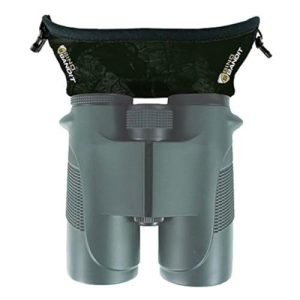
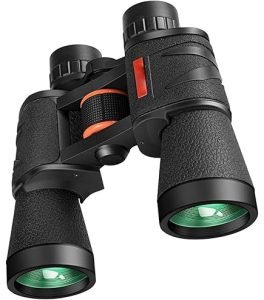
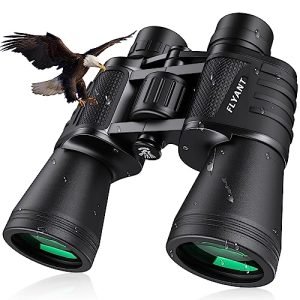
Roof prism binoculars offer a slim design that fits easily with smartphone adapters. Align the phone camera with the binocular lens for clear, steady photos. Secure the adapter tightly to avoid blurry images while capturing distant views.
Key Features To Look For
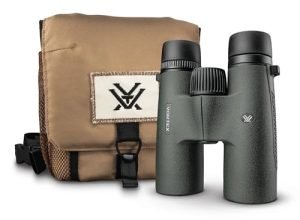
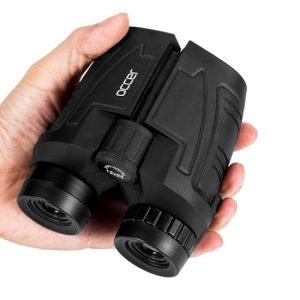
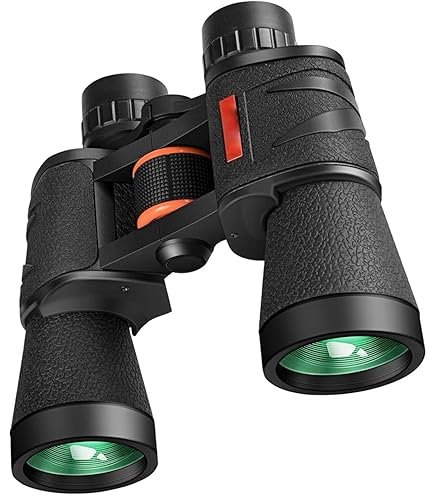
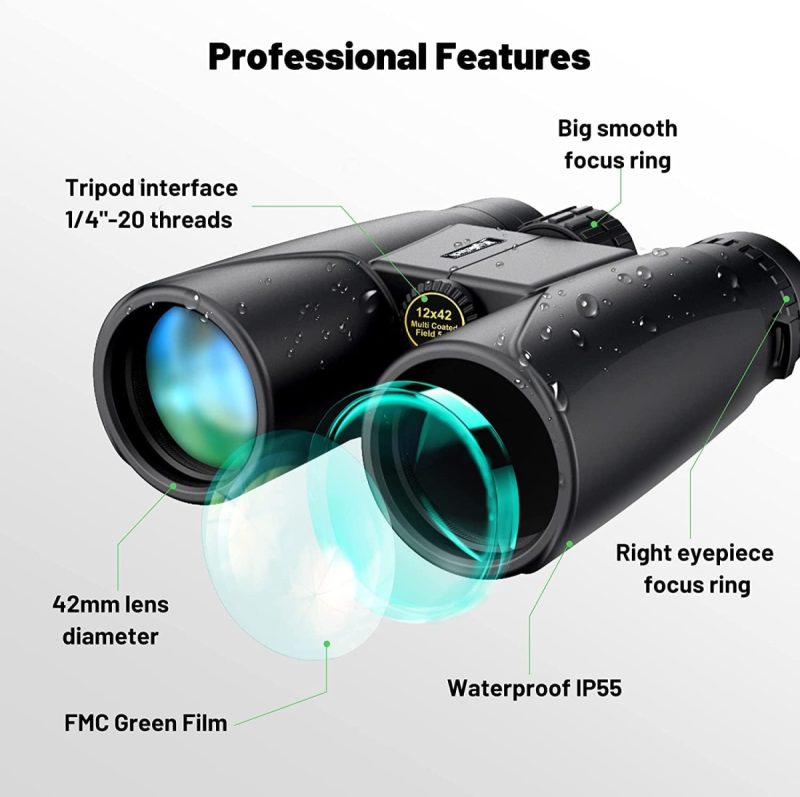
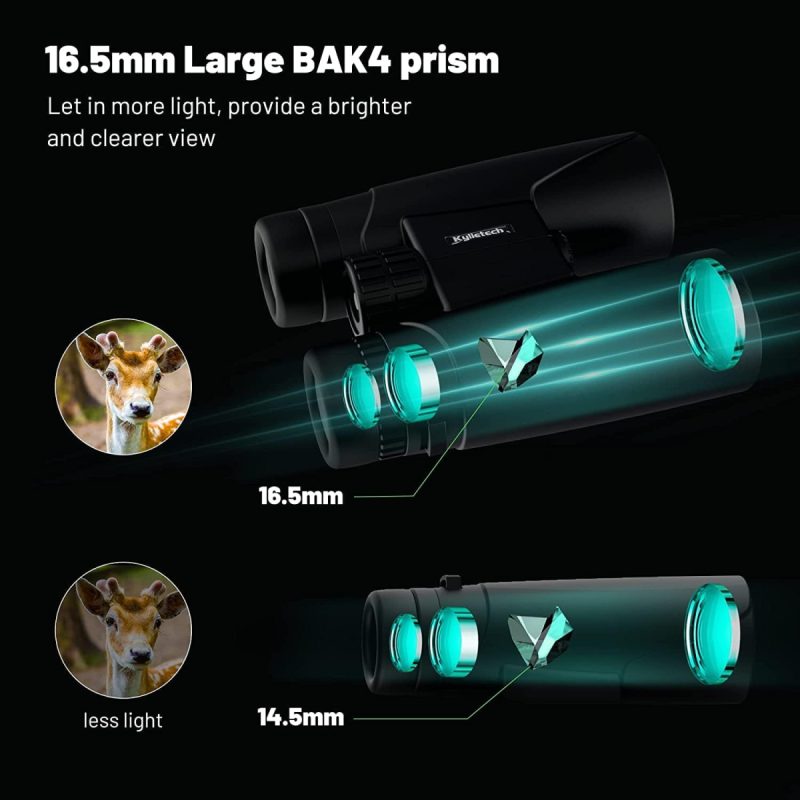
Roof prism binocularsare compact and lightweight. They are easy to carry anywhere. Look for binoculars with high magnificationand clear lenses. Check if they have a durable bodyand are waterproof. Good binoculars should have a comfortable grip. Ensure they offer a wide field of view.
Benefits Over Other Types
These binoculars are easier to handleand store. They provide better image qualitythan many others. Their design allows for a sleeker appearance. They are often more resilientto rough conditions. Many prefer them for their compact size.
Popular Models
- Nikon Monarchfor clear images.
- Zeiss Terrafor durability.
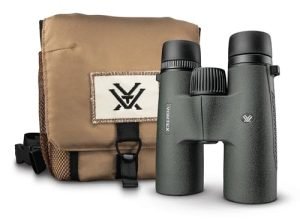
- Vortex Viperfor a wide field.
- Leica Ultravidfor excellent build.
Selecting The Right Smartphone Adapter
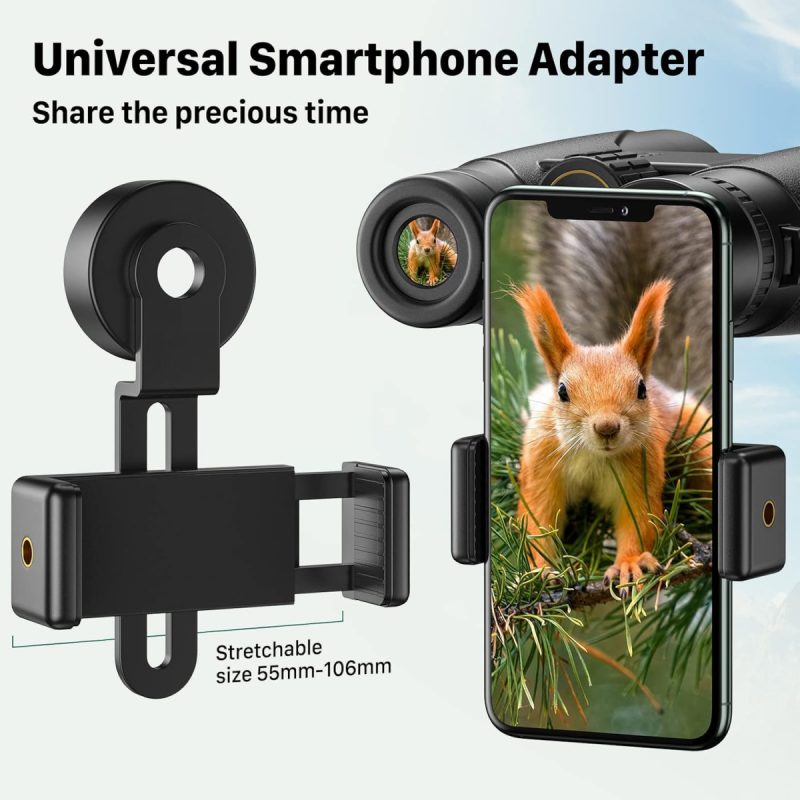
Choosing the right smartphone adapteris key for clear photos through roof prism binoculars. Adapters come in different typesbased on how they attach and hold the phone.
- Clamp-style adaptersgrip the phone and binoculars securely.
- Universal adaptersfit many phone sizes and binocular models.
- Custom-fit adaptersare made for specific binocular brands or phone models.
Check compatibility factorslike phone size, binocular eyepiece diameter, and adapter material. Some adapters have adjustable parts for better fit.
| Brand | Key Feature | Price Range |
|---|---|---|
| Gosky | Strong clamps, easy setup | Low to mid |
| Carson | Adjustable fit, durable design | Mid |
| Snapzoom | Lightweight, compact | Mid to high |
Attaching The Adapter To Binoculars
Start by placing the smartphone adapterover the eyepiece of the roof prism binoculars. Make sure the adapter lens aligns well with the binocular lens. Tighten the adapter clamp gently to hold it in place but avoid overtightening. The adapter should feel stable and not move when you shake it lightly.
Check that the adapter does not block any part of the binocular lens. Adjust the position so the camera lens can see fully through the binoculars. Use the adapter’s fine-tuning knobs or screws to get the perfect fit.
- Do not force the adapter onto the binoculars.
- A loose fit can cause blurry images or damage the device.
- A too tight clamp can scratch or break the binocular lens.
- Make sure the camera lens is centered over the binocular lens.
- Test the setup before taking photos or videos.
Credit: www.discountdelights.co.uk
Aligning Your Smartphone Camera
Place your smartphone camera lens directly over the binocular eyepiece. Adjust the phone holder to make sure the lens is centered and stable. Use a small flashlight to check for any light leaks or shadows that may blur the image. Aligning the lens carefully helps capture the clearest picture.
Turn the binocular focus knob slowly while watching the phone screen. Zoom in or out on your phone camera to fit the image inside the frame. The sharpness of the image depends on both focus and zoom settings.
- Hold your phone and binoculars firmly to avoid shaking.
- Use a tripod or a stable surface for better steadiness.
- Tap the phone screen to lock focus and exposure.
- Breathe out slowly while pressing the shutter for less blur.
Capturing Photos And Videos
Adjusting camera settingsis key to better photos and videos. Manual mode allows control over focus, exposure, and ISO. Use it to capture clearer images through the binocular lens. Auto mode is easier but may not focus well on distant objects.
Keep the smartphone lens alignedperfectly with the binocular eyepiece. Use a steady mount or tripod to avoid shaking. Good lighting helps reduce noise and blur. Try to shoot in bright daylightfor best results.
- Use manual focus to sharpen the subject
- Lower ISO to reduce grain in photos
- Keep exposure balanced to avoid too dark or bright images
- Hold the adapter steady or use a tripod
- Shoot in natural light when possible
Post-processing And Sharing
Editing apps help make your photos clearer and more colorful. Basic tools like brightness, contrast, and croppingimprove image quality. Some apps offer filters to change the mood or style quickly. Use apps that are easy and fast to use on your phone.
Organize your photos by creating folders or albums. Label them by date, location, or subject to find them easily later. Back up your photos to cloud storage to keep them safe.
Sharing on social platforms lets friends see your photos. Choose platforms where your audience is active. Write short, clear captions to explain your photos. Tag locations or people to get more views.
Troubleshooting Common Issues
Image bluroften happens when the smartphone camera and binocular lenses are not aligned well. Adjust the adapter slowly until the image looks sharp. Clean both lenses gently with a soft cloth to remove dust or smudges that cause blur.
Alignment problemscan cause dark edges or a shaky image. Ensure the adapter is fixed tightly to avoid movement. Use the binocular’s focus wheel and the phone’s camera focus to get a clear view. Try small adjustments until the picture is stable and centered.
- Keep the adapter clean and dry to avoid damage.
- Check screws and clamps regularly for tightness.
- Avoid dropping or bumping the adapter to prevent misalignment.
- Store the adapter in a protective case when not in use.
Credit: www.discountdelights.co.uk
Frequently Asked Questions
What Are Roof Prism Binoculars?
Roof prism binoculars have straight barrels with aligned lenses. They are compact, lightweight, and provide clear, sharp images. Their design makes them ideal for use with smartphone adapters.
How Do Smartphone Adapters Work With Binoculars?
Smartphone adapters attach your phone to binocular eyepieces. They hold the phone steady to capture photos or videos through the binoculars. This setup enhances zoom and image clarity.
Can I Use Any Smartphone Adapter For Roof Prism Binoculars?
Not all adapters fit roof prism binoculars. Choose adapters compatible with your binocular’s eyepiece size and shape. Proper fit ensures steady, clear images without damage.
How To Align Smartphone With Binocular Eyepiece?
Align your phone camera lens directly over the binocular eyepiece. Use the adapter’s adjustable clamps to secure the phone. Proper alignment avoids blurry or vignetting images.
Conclusion
Using roof prism binoculars with smartphone adapters is simple and fun. Attach the adapter carefully to match your phone and binoculars. Align the lenses for a clear, sharp image. Take steady shots to capture nature or events easily. Practice a few times to improve your technique.
This setup lets you enjoy detailed views and save memories. Try different settings to find what works best for you. Enjoy combining technology with outdoor adventures today!