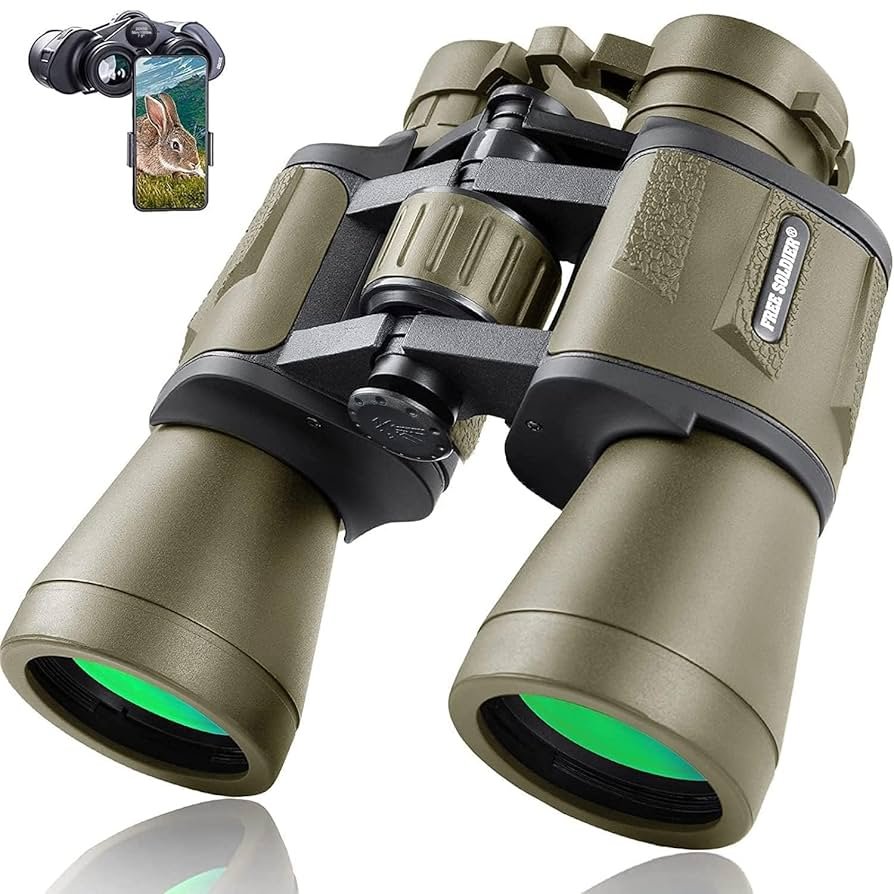
Have you ever spotted a beautiful bird but wished you could capture its image clearly on your smartphone? Using birding binoculars with smartphone adapters can change the way you experience birdwatching.
It lets you combine the power of your binoculars with the convenience of your phone camera. In this guide, you’ll learn simple steps to set up and use these adapters effectively. By the end, you’ll be ready to snap stunning bird photos and share your discoveries with ease.
Keep reading to unlock the full potential of your birding adventures!
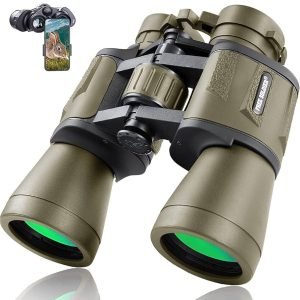
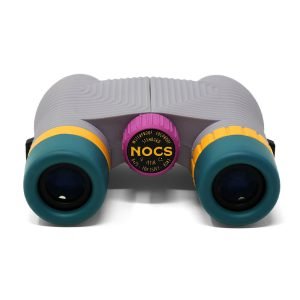
Choosing The Right Binoculars
Magnificationshows how close objects appear through binoculars. Choose a power between 8x to 10xfor clear, stable views. Field of view means how wide you can see. A wider fieldhelps follow birds in motion.
Good lens qualitymakes images sharp and bright. Look for lenses with multi-coatingto reduce glare and improve light. Coated lenses give better colors and contrast.
Durabilityis key for outdoor use. Pick binoculars that are waterproofand fog-proof. Rubber armor helps protect from bumps and drops. These features keep binoculars safe in all weather.

Credit: www.amazon.com
Selecting Compatible Smartphone Adapters
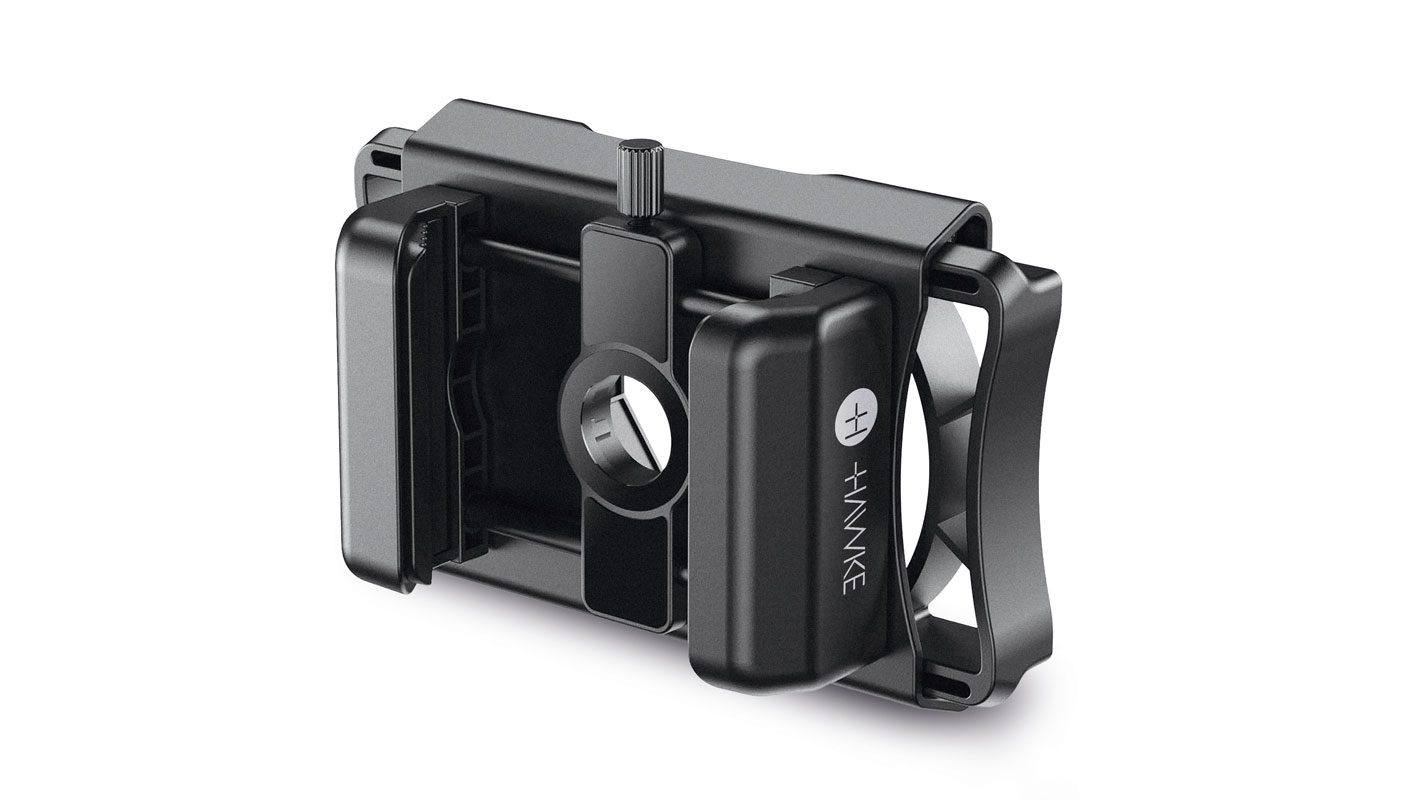
Choosing a smartphone adapter that fits your binoculars ensures clear, stable images. Check the adapter’s size and compatibility with your phone model for best results. Proper alignment helps capture sharp bird photos easily.
Universal Vs. Specific Adapters
Universal adaptersfit many phone models and binoculars. They offer flexibilitybut may not hold the phone as steady. Specific adaptersare made for certain phone or binocular models. These provide a secure fitand better alignment for clear photos. Choose based on your device type and usage needs.
Material And Build Quality
Adapters made from metalor high-quality plasticlast longer. They resist wear and tearduring outdoor use. Avoid cheap materials that can break or loosen quickly. A strong build keeps your phone and binoculars safe.
Ease Of Installation
Pick adapters that are easy to attachand remove. Simple clamps or screw designs save time. A good adapter holds your phone steady without much effort. Avoid complicated setups that can cause frustration in the field.
Setting Up Your Binoculars And Adapter
Attach the adapter firmly to the binoculars’ eyepiece. Make sure it fits snugly without gaps. Use any screws or clips to secure it tightly. This keeps the adapter steady during use.
Place your smartphone into the adapter’s holder. Adjust the clamps so the phone does not move or slip. Check that the phone screen faces the binocular lenses correctly.
Align the smartphone camera lens with the binocular eyepiece. Move the phone slowly to find the best position. The camera lens should be centered over the binocular lens for a clear view.
Optimizing Image Quality
Adjust the focusof your binoculars slowly to get a clear image. Use your smartphone’s zoomcarefully to avoid blurring. Small changes help keep the picture sharp.
Hold the binoculars and phone steady to reduce vibrations. Even tiny shakes can blur photos.
- Use a tripodto keep the setup stable.
- Attach a stabilizerto reduce hand movements.
- Rest your arms on a solid surface if no tripod is available.
Enhancing Birdwatching Experience
Using birding binoculars with smartphone adapterslets you capture clear images of birds. The adapters hold your phone steady against the binocular lens. This setup improves photo qualityand makes birdwatching more fun.
Many apps help with bird identification. They use photos or sounds to find bird names fast. These apps also give useful info like habitat and behavior. Learning about birds becomes easy with these tools.
Recording and sharing your bird sightings is simple. Use apps to save locations and photos. Share your findings with friends or birdwatching groups. This helps others learn and enjoy nature too.
- Keep phone and adapter tight for sharp photos.
- Use natural light to avoid blurry images.
- Practice steady hands or use a tripod.
- Try different zoom levels for best framing.
- Be patient and wait for good bird poses.

Credit: www.instagram.com
Troubleshooting Common Issues
Adapter slippagehappens when the phone or binoculars move during use. Check that the adapter is tightly attached. Using rubber grips or small pads can help hold the phone better. Adjust the screws or clamps slowly and evenly to avoid loosening.
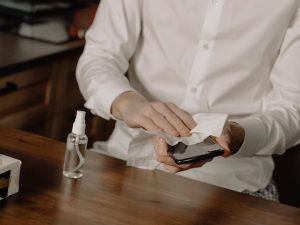
Image distortionmay occur if the adapter is not aligned properly. Make sure the phone camera lens lines up exactly with the binocular eyepiece. Clean the lenses to remove dust or smudges that blur the view. Try small shifts until the image looks clear and sharp.
Battery life can drain quickly if using phone apps or camera flash. Lower the screen brightness and close other apps to save power. Carry a portable charger for long birdwatching trips. Turning off GPS and Bluetooth can also extend battery time.
Credit: birdwatchireland.ie
Frequently Asked Questions
What Are Birding Binocular Smartphone Adapters?
Birding binocular smartphone adapters attach your phone to binoculars. They help capture clear photos and videos of birds. These adapters improve stability and alignment for better image quality. They are essential for birdwatchers wanting to document sightings easily and accurately.
How To Attach Smartphone Adapters To Birding Binoculars?
Align the adapter with your binocular’s eyepiece. Secure it firmly using the adjustable clamps or screws. Ensure your smartphone camera lens matches the binocular eyepiece. Tighten all parts to prevent movement. Proper attachment ensures stable and focused bird images.
Can Smartphone Adapters Affect Binocular Image Quality?
Yes, adapters can influence image sharpness and brightness. Poorly aligned adapters cause blurry or dark images. High-quality adapters maintain the binocular’s optical clarity. Proper setup ensures minimal distortion and vibrant bird photos.
Are Smartphone Adapters Compatible With All Binoculars?
Most adapters fit standard-sized binocular eyepieces. However, some binoculars with unique shapes may need specific adapters. Check compatibility before purchasing. Universal adapters offer flexibility across different binocular models.
Conclusion
Using birding binoculars with smartphone adapters makes bird watching fun. You can easily capture close-up photos of birds. Just attach the adapter and line up your phone camera. Practice helps you get steady shots and clear images. Take time to explore different settings on your phone camera.
This simple tool lets you share your birding moments with friends. Enjoy nature, and keep learning new tips. Birding becomes more exciting with these small steps. Give it a try, and watch your bird photos improve.