Have you ever been ready to enjoy a clear, steady view through your image stabilized binoculars, only to find they won’t turn on? It’s frustrating, especially when you’re out in nature or at an event, relying on them for that perfect close-up.
Don’t worry—this problem doesn’t mean your binoculars are broken beyond repair. In this guide, you’ll discover simple, effective steps to troubleshoot and fix your image stabilized binoculars quickly. Keep reading, and you’ll be back to seeing the world clearly in no time.
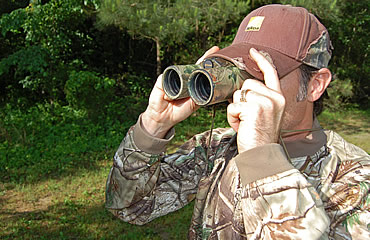
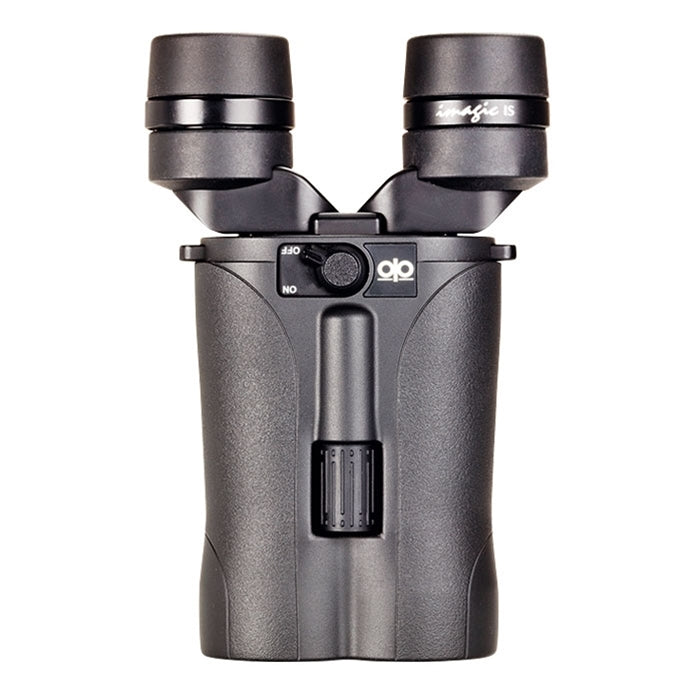
Credit: buckmasters.com
Check The Batteries
Batteries often cause power issues in image stabilized binoculars. Check if they are inserted correctly or need replacement. Clean the battery contacts to ensure good connection.
Replace Old Batteries
Old batteries can lose power quickly. Always use fresh batteries for your binoculars. Weak batteries might not provide enough energy. Purchase new ones if needed.
Ensure Correct Battery Placement
Incorrect battery placement can stop your device from working. Make sure batteries are in the right direction. Check the signs inside the battery compartment. Follow the + and – signs closely.
Clean Battery Contacts
Dirty contacts can block power flow. Use a clean cloth to wipe battery contacts. Corrosion can form if dirt builds up. Check for rust or dirt on contacts regularly. Clean them gently to avoid damage.
Inspect The Power Button
Press the power buttonfirmly but gently. Sometimes it may feel stuck or loose. Check if the button moves smoothly without resistance. A button that is unresponsivemight be dirty or damaged inside.
Look closely for visible damagearound the button area. Cracks, dents, or debris can stop it from working. Dirt or dust can block the button’s contact points.
- Try pressing the button several times to see if it reacts.
- Clean around the button carefully with a soft cloth.
- Check if any parts feel loose or broken.
Reset The Binoculars
A soft resetcan fix many electronic problems. To perform it, first turn off the binoculars. Then, remove the batteries or disconnect the power source. Wait for about 30 seconds. Reinsert the batteries or reconnect power. Finally, turn the binoculars back on.
Always consult the user manual. It has specific reset steps for your model. Some binoculars may need a button press or a special sequence. Following the manual ensures no damage to the device. Keep the manual handy for future reference.
Examine Internal Connections
Check inside the binoculars for any loose wires. Loose wires can stop the power flow. This might be why the device won’t turn on.
Be careful not to pull or damage any parts. Gently press wires back into place if needed.
Opening the devicemay void your warranty. If the binoculars are still under warranty, avoid opening them. Contact the seller or manufacturer for help instead.
Environmental Factors
Extreme temperatures can cause binoculars to stop working. Very cold or hot weather may affect the battery and electronics. Store the binoculars in a place with a normal temperature. Avoid leaving them in direct sunlight or freezing cold for long periods.
Keeping binoculars dry is crucial. Moisture can damage internal parts and cause malfunctions. Use a soft cloth to wipe off any water or sweat. Avoid exposing binoculars to rain or high humidity. Using a protective case can help keep moisture away.
Credit: www.urbannaturestore.ca
Seek Professional Help
Contacting the manufacturer’s supportteam is important for help. They know the device best and can guide you properly. Have your model number and purchase details ready. This will speed up the process.
Finding authorized repair centersensures quality service. These centers use original parts and have trained technicians. Repairing your binoculars here keeps your warranty safe.
| Contact Manufacturer Support | Find Authorized Repair Centers |
|---|---|
| Use official website or phone number | Check manufacturer’s website for locations |
| Provide model and purchase info | Confirm center’s authorization status |
| Ask about warranty coverage | Ask about repair costs and time |
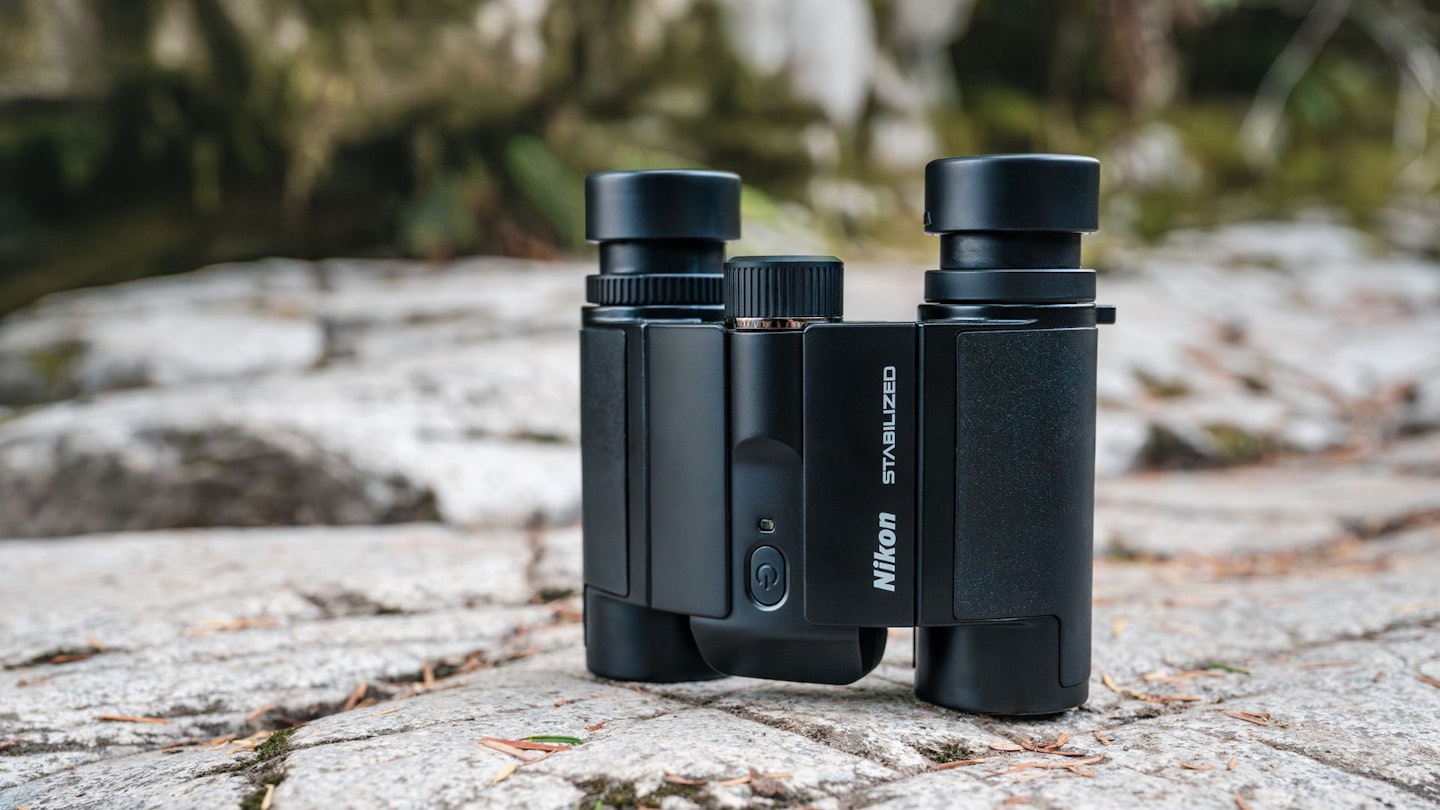
Credit: www.birdwatching.co.uk
Frequently Asked Questions
Why Won’t My Image Stabilized Binoculars Power On?
Check the batteries first; weak or dead batteries often cause power issues. Also, ensure proper battery placement and clean contacts. If still not working, try resetting the device or consult the manual for troubleshooting steps.
How Do I Fix Unresponsive Image Stabilized Binoculars?
Start by replacing the batteries with fresh ones. Clean the battery compartment and check for corrosion. Reset the binoculars if possible. If the problem persists, contact customer support for repair or replacement options.
Can Battery Type Affect Image Stabilized Binoculars’ Power?
Yes, using the wrong battery type can prevent the binoculars from turning on. Always use the recommended battery type specified in the manual to ensure proper function and avoid damage.
What Should I Do If Binoculars Won’t Stabilize Image?
If stabilization fails, check if the device powers on first. Replace batteries if needed and ensure no physical damage. Calibration or servicing might be required if the problem continues.
Conclusion
Troubles with image stabilized binoculars can feel frustrating. Start by checking the batteries and power switch first. Clean the contacts gently if needed. Make sure the device is dry and not damaged. Small issues often cause the problem. If nothing works, seek help from a professional or the manufacturer.
Taking these steps saves time and stress. Keep your binoculars ready for your next adventure. Simple care keeps them working well. Don’t give up—most problems have easy fixes.